Best BioRender Alternatives in 2026: Free and AI-Powered Options for Researchers
Jun 16, 2026Key Points
BioRender costs $420/year for academics and up to $1,380/year for industry users — and its asset library is built almost entirely around biology and biomedical research.
Truly free alternatives like Bioicons, SciDraw, and Draw.io each cover one part of the workflow: icons, canvas, or editing.
GPAI Visualizer covers all three — icon library, drag-and-drop canvas, and AI figure generation with editable SVG export — across all STEM disciplines, in one workspace.
BioRender is the standard for scientific illustration in biology and medicine, but at $420–$1,188 per year it's a significant subscription — and its asset library is built almost entirely around life sciences. This guide covers the best alternatives in 2026, starting with the most capable option and working down to free resources.
1. GPAI Visualizer — AI-Powered Figures for All STEM Disciplines
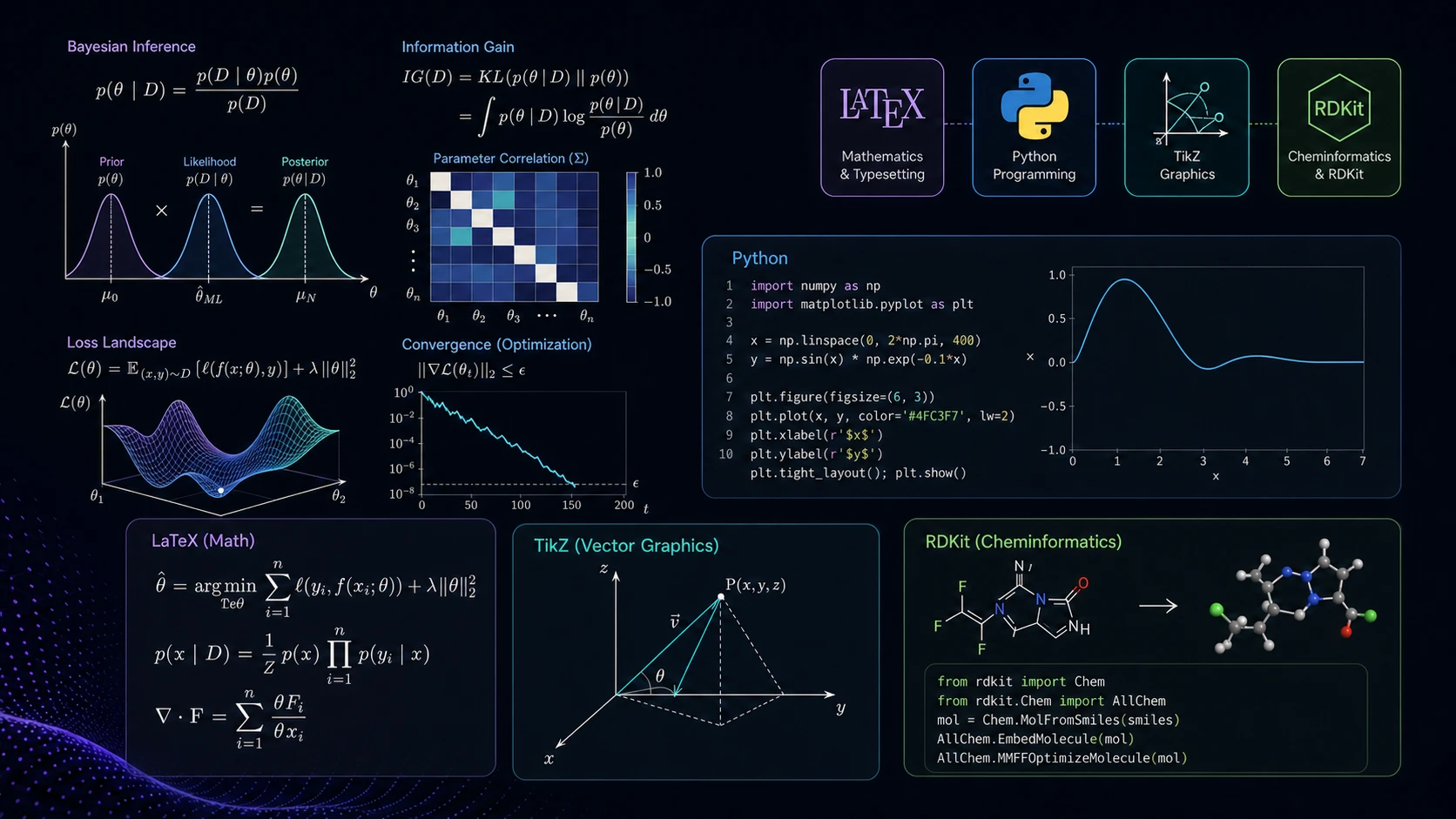
GPAI Visualizer is the most complete BioRender alternative available in 2026. It covers what most researchers need from three separate tools — an icon library, a drag-and-drop canvas, and AI figure generation — in one workspace.
Icon Library and Canvas
GPAI's built-in scientific icon library covers STEM disciplines beyond the biology-centric collections of most tools. Icons can be selected and arranged directly on a canvas without downloading assets or opening a separate editor.
AI Figure Generation
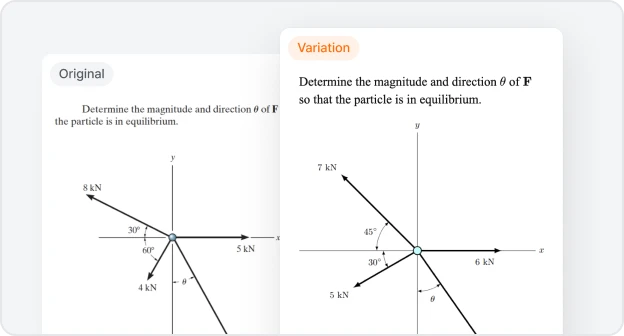
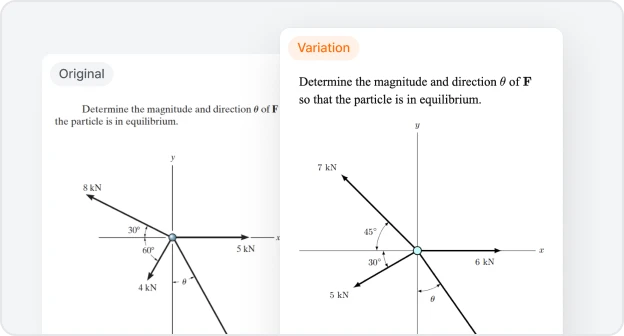
Describe the figure you need in plain language and the Visualizer generates it as a publication-quality vector. The output is an editable SVG — not a raster image — so you can refine it in any vector editor after export.
Asks clarifying questions before generating to reduce revision cycles
Uses field-specific engines for physics, engineering, chemistry, and biology
Reduces figure creation from 2–3 hours to 10–15 minutes in most cases
Part of a Full STEM Workspace
The Visualizer sits inside GPAI's broader workspace alongside a STEM problem solver (with cross-model verification across GPT, Claude, and Gemini), AI chat with Deep Explain mode, and research discovery tools — all in a single subscription.
Best for: Researchers across all STEM disciplines who want AI-generated, editable figures and prefer one subscription over several.
2. Mind the Graph — Drag-and-Drop Scientific Builder
Mind the Graph is a canvas-based builder designed for scientists, with over 75,000 scientific icons across more than 80 research fields. It's well suited for graphical abstracts, infographics, and research posters. There is a free tier, but it's limited to 4 illustrations — in practice, it's a paid tool starting at around $7–12/month.
Best for: Researchers who want a familiar drag-and-drop interface with a large biology-focused icon library.
3. Draw.io — Free Canvas Builder
A free, browser-based diagramming tool. Works well for schematic figures when combined with SVG assets imported from free icon libraries. No account required, and exports to multiple formats including SVG and PDF.
Best for: Researchers who want a free drag-and-drop workflow and are comfortable sourcing their own assets.
4. Bioicons — Free Open-Source Icon Library
An open-source library of SVG vectors covering molecular biology, genetics, cell biology, and lab equipment. All assets are freely downloadable and compatible with any vector editor or canvas tool.
Best for: Researchers who want free, high-quality biology assets to use in their existing tools.
5. SciDraw — Free Scientific Drawings
A free repository of high-quality scientific drawings contributed by researchers, licensed under Creative Commons 4.0 (attribution required). Particularly strong for neuroscience, ecology, and animal models.
Best for: Researchers who need realistic biological and ecological illustrations for free.
6. Inkscape — Free Vector Editor
Completely free and open-source. The most widely used free alternative to Adobe Illustrator for scientific figure production. Works well as a downstream editor for SVG files generated by GPAI Visualizer or assembled from icon libraries.
Best for: Researchers comfortable with vector editing who want full manual control at no cost.
7. Adobe Illustrator — Professional Vector Editor
The industry standard for vector design. Most powerful and most flexible, but at $240–$252/year it's a significant cost on top of other research subscriptions. Best suited for those who need full professional design capability beyond scientific illustration.
Best for: Researchers or institutions that already use Adobe Creative Cloud and need advanced design tools.
Frequently Asked Questions
Can AI tools generate figures for fields outside biology?
Yes. GPAI Visualizer uses field-specific engines for physics, engineering, chemistry, and biology — making it accurate for non-biology diagram types like circuit schematics, free body diagrams, and structural drawings that most other tools don't handle well.
Are AI-generated figures accepted by academic journals?
Most major publishers — including Elsevier, Springer, and Nature Portfolio — do not prohibit AI-generated figures, but require disclosure of AI tool use in the Methods section as of 2024. What matters most is accuracy and file format. Always check the target journal's Author Guidelines before submission.
What is the difference between GPAI Visualizer and just asking ChatGPT to make a figure?
ChatGPT generates raster images (PNG) that cannot be edited after download. GPAI Visualizer exports editable SVG files, asks clarifying questions before generating to reduce revision cycles, and uses field-specific engines rather than a single generalist model.