Operating Systems (BCA 1st Sem)
Cheatsheet Content
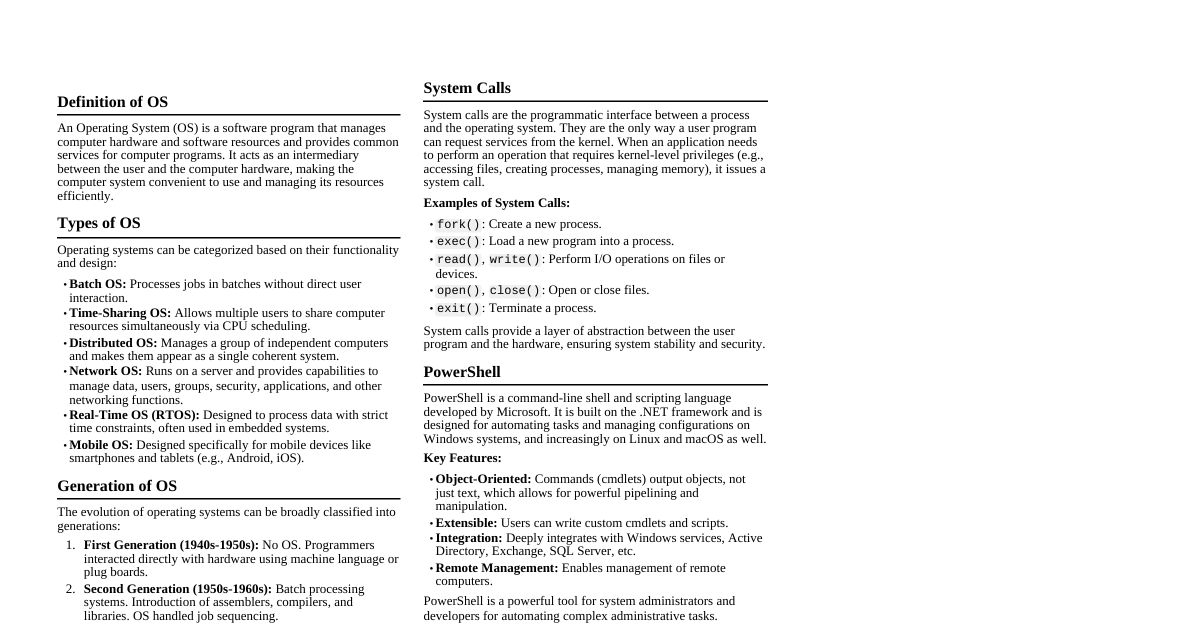
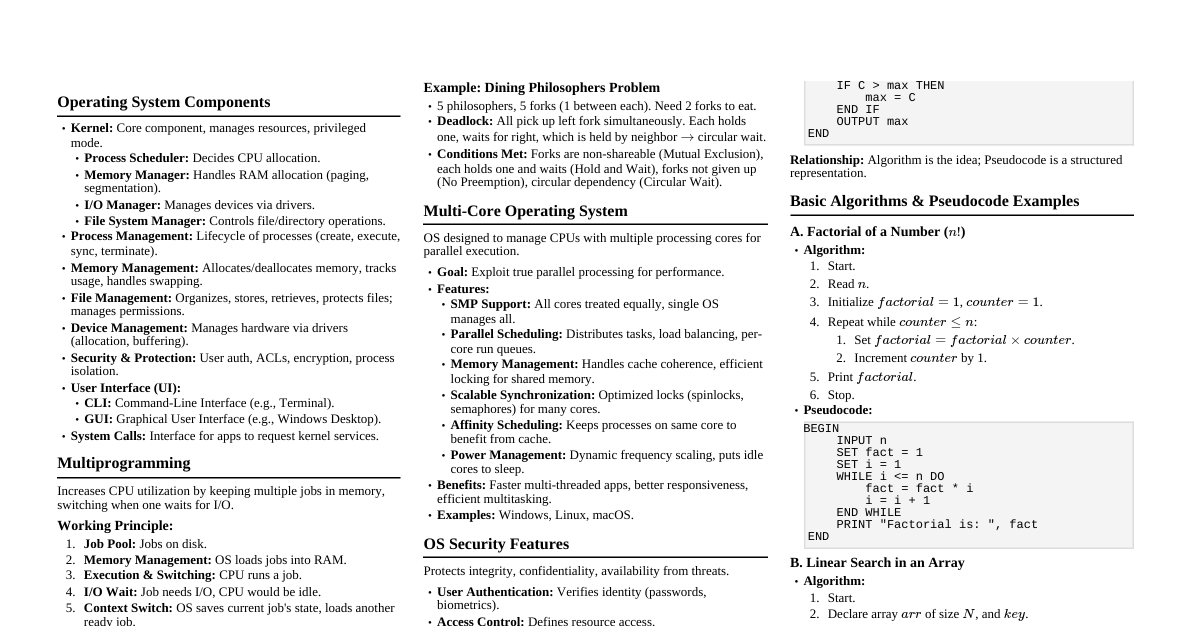
1. Introduction to Operating Systems Definition: An OS is software that manages computer hardware and software resources and provides common services for computer programs. Primary Function: To manage hardware resources. Types of Operating Systems: Batch OS Real-Time OS Distributed OS Multiprogramming OS Time-sharing OS Network OS Mobile OS 2. Operating System Functions & Services Resource Management: CPU scheduling, memory management, I/O management. Process Management: Creating, scheduling, terminating processes. Memory Management: Allocating and deallocating memory space. File Management: Organizing, storing, retrieving files. Device Management: Managing I/O devices (printers, scanners, etc.). Security: Protecting system resources and data. User Interface: Providing a way for users to interact with the system (GUI, CLI). Error Detection: Handling and recovering from errors. Accounting: Keeping track of resource usage. 3. System Programs Definition: Programs that provide a convenient environment for program development and execution. Role: Enhance the functionality of the OS and provide services to users. Examples: File management (copy, delete, list) Status information (date, time, memory usage) File modification (text editors) Programming language support (compilers, interpreters) Program loading and execution Communications (web browsers, email clients) 4. DOS (Disk Operating System) Booting Process: BIOS performs POST (Power-On Self Test). BIOS loads boot loader from boot sector of hard disk. Boot loader loads IO.SYS and MSDOS.SYS into memory. CONFIG.SYS is processed. COMMAND.COM (command interpreter) is loaded. AUTOEXEC.BAT is executed. File and Directory Structure: Hierarchical (tree-like) structure. Root directory (e.g., C:\ ). Subdirectories and files. File naming convention: 8.3 format (e.g., FILENAME.EXT ). Commands: Internal Commands: Built into COMMAND.COM , always available. DIR : Displays directory contents. CLS : Clears the screen. COPY : Copies files. DEL : Deletes files. REN (or RENAME ): Renames files. CD (or CHDIR ): Changes directory. MD (or MKDIR ): Creates a directory. RD (or RMDIR ): Removes an empty directory. TYPE : Displays file content. External Commands: Separate executable files, must be present in a path. CHKDSK : Checks disk for errors. FORMAT : Formats a disk. XCOPY : Copies files and directory trees. EDIT : Text editor. FDISK : Disk partitioning tool. 5. Windows Operating System Key Features: Graphical User Interface (GUI). Multitasking (pre-emptive). Plug and Play support. Device Manager for hardware management. Taskbar for quick access to applications. Recycle Bin for temporary storage of deleted files. Support for various file systems (FAT, NTFS). Extensive software compatibility. Advanced Features: User Account Control (UAC) for security. Virtual Memory management. ReadyBoost for improving system performance. Windows Defender/Security for anti-malware. System Restore for rolling back system changes. Remote Desktop for accessing another computer. Power Management (sleep, hibernate). Hardware and Software Management: Hardware: Device drivers, Device Manager, Plug and Play. Software: Program Files directory, Registry, Task Manager, Services. Recycle Bin Function: Stores deleted files temporarily, allowing recovery. 6. Linux Operating System Architecture: Kernel: Core of the OS, manages hardware resources. Shell: Command interpreter (e.g., Bash) that takes commands from the user and executes kernel's functions. System Utilities: Programs that perform individual tasks. Applications: User programs. Hardware Layer: Physical components. Role of Linux Kernel: Manages hardware resources (CPU, memory, devices). Linux Shell Purpose: To interpret user commands. File System: Hierarchical structure starting from the root directory ( / ). Everything is treated as a file. Standard Directories: /bin : Essential user command binaries. /boot : Boot loader files. /dev : Device files. /etc : Configuration files. /home : User home directories. /lib : Essential shared libraries. /mnt : Mount point for temporary filesystems. /opt : Optional application software. /proc : Virtual filesystem for process information. /root : Superuser home directory. /sbin : Essential system binaries. /tmp : Temporary files. /usr : User utilities and applications. /var : Variable data (logs, mail, print queues). Startup Process: BIOS/UEFI performs POST. Boot loader (GRUB) loads kernel into memory. Kernel initializes devices and starts init or systemd process. init / systemd starts other system services and mounts filesystems. Login prompt appears. Shutdown Process: User initiates shutdown. System sends signals to running processes to terminate gracefully. Filesystems are unmounted. Kernel halts the system or powers off the machine. Linux Commands: ls : Lists files in a directory. grep : Finds a specific string in a file. rm : Removes files or directories. mv : Moves or renames files. cp : Copies files. cat : Concatenates files and prints to standard output. head : Outputs the first part of files. pwd : Prints working directory. cd : Changes directory. mkdir : Creates directories. rmdir : Removes empty directories. 7. System Calls Definition: The programmatic way in which a computer program requests a service from the kernel of the operating system. Role in OS: Provide an interface between a process and the OS. Allow user-level programs to request kernel-level services (e.g., file I/O, process creation, memory allocation). Examples: open() , read() , write() , fork() , exec() , exit() .