Operating Systems & Algorithms
Cheatsheet Content
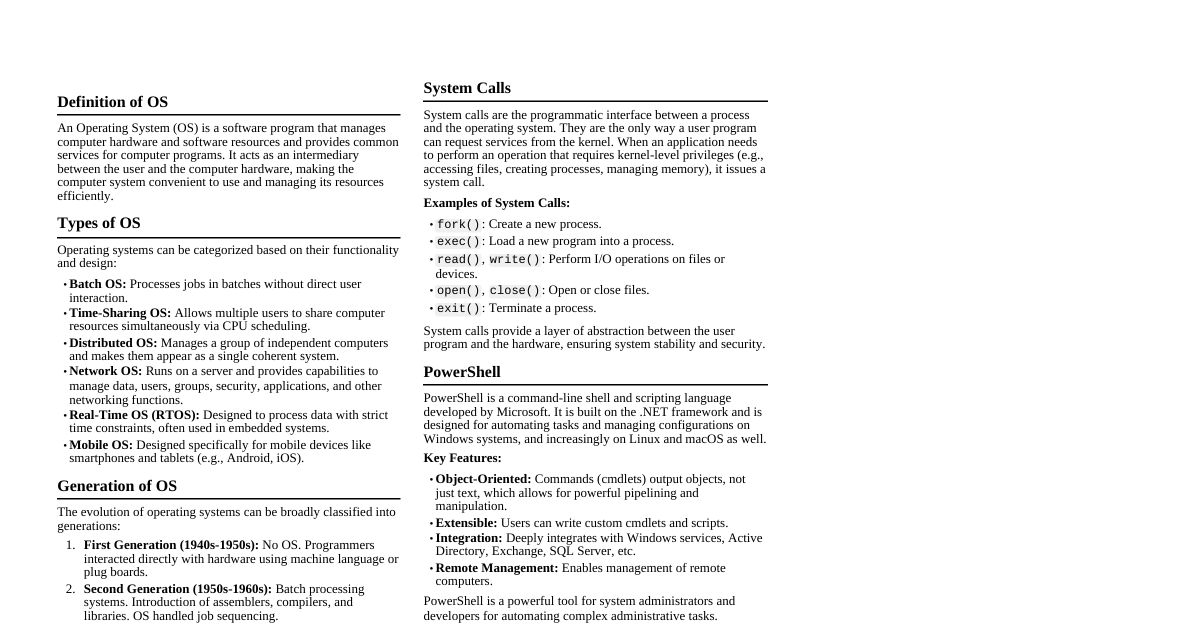
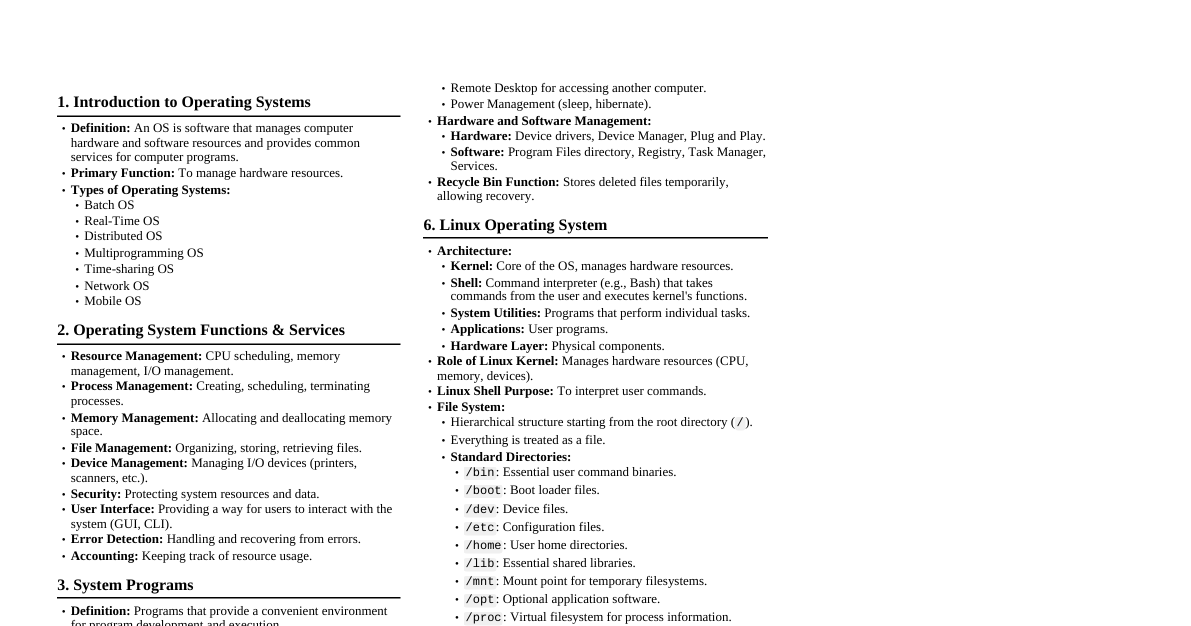
Operating System Components Kernel: Core component, manages resources, privileged mode. Process Scheduler: Decides CPU allocation. Memory Manager: Handles RAM allocation (paging, segmentation). I/O Manager: Manages devices via drivers. File System Manager: Controls file/directory operations. Process Management: Lifecycle of processes (create, execute, sync, terminate). Memory Management: Allocates/deallocates memory, tracks usage, handles swapping. File Management: Organizes, stores, retrieves, protects files; manages permissions. Device Management: Manages hardware via drivers (allocation, buffering). Security & Protection: User auth, ACLs, encryption, process isolation. User Interface (UI): CLI: Command-Line Interface (e.g., Terminal). GUI: Graphical User Interface (e.g., Windows Desktop). System Calls: Interface for apps to request kernel services. Multiprogramming Increases CPU utilization by keeping multiple jobs in memory, switching when one waits for I/O. Working Principle: Job Pool: Jobs on disk. Memory Management: OS loads jobs into RAM. Execution & Switching: CPU runs a job. I/O Wait: Job needs I/O, CPU would be idle. Context Switch: OS saves current job's state, loads another ready job. Continuous Processing: CPU runs next job, repeats. Example: Job A (CPU-intensive), Job B (I/O-intensive), Job C (I/O-intensive). CPU runs A $\rightarrow$ A waits for I/O $\rightarrow$ CPU runs B $\rightarrow$ B waits for I/O $\rightarrow$ CPU runs C $\rightarrow$ C waits for I/O $\rightarrow$ A's I/O done, CPU runs A. CPU stays busy, improving throughput. Semaphores Synchronization tool (integer variable) for shared resource access, prevents race conditions. Purpose: Solve critical section problems, achieve process synchronization. Working (Atomic Operations): wait() / P() : Decrements value. If negative, process blocks. signal() / V() : Increments value. If $\le 0$, wakes a waiting process. Types: Counting Semaphore: Any integer value, manages multiple identical resources. Binary Semaphore/Mutex: 0 or 1, ensures mutual exclusion for a single resource. Example (Mutex): semaphore mutex = 1; Process 1: Process 2: wait(mutex); wait(mutex); // Critical Section // Critical Section counter++; counter--; signal(mutex); signal(mutex); Scheduler and Dispatcher in OS Scheduler: (Policy Maker) Role: Selects processes for CPU execution. Types: Long-Term (Job): Selects jobs from disk to load into memory (controls degree of multiprogramming). Short-Term (CPU): Selects a process from ready queue to allocate CPU (most frequent). Medium-Term: Swaps processes in/out of memory. Dispatcher: (Mechanism Executor) Role: Gives CPU control to the process selected by short-term scheduler. Functions: Context switching, switching to user mode, resuming execution. Dispatch Latency: Time to stop one process and start another (overhead). Relationship: Scheduler decides "which," Dispatcher performs "how." Deadlock State where processes are blocked, each holding a resource and waiting for one held by another. Necessary Conditions (Coffman Conditions): Mutual Exclusion: Resource non-shareable. Hold and Wait: Process holds resources while waiting for others. No Preemption: Resources cannot be forcibly taken. Circular Wait: Circular chain of processes waiting for each other's resources. Example: Dining Philosophers Problem 5 philosophers, 5 forks (1 between each). Need 2 forks to eat. Deadlock: All pick up left fork simultaneously. Each holds one, waits for right, which is held by neighbor $\rightarrow$ circular wait. Conditions Met: Forks are non-shareable (Mutual Exclusion), each holds one and waits (Hold and Wait), forks not given up (No Preemption), circular dependency (Circular Wait). Multi-Core Operating System OS designed to manage CPUs with multiple processing cores for parallel execution. Goal: Exploit true parallel processing for performance. Features: SMP Support: All cores treated equally, single OS manages all. Parallel Scheduling: Distributes tasks, load balancing, per-core run queues. Memory Management: Handles cache coherence, efficient locking for shared memory. Scalable Synchronization: Optimized locks (spinlocks, semaphores) for many cores. Affinity Scheduling: Keeps processes on same core to benefit from cache. Power Management: Dynamic frequency scaling, puts idle cores to sleep. Benefits: Faster multi-threaded apps, better responsiveness, efficient multitasking. Examples: Windows, Linux, macOS. OS Security Features Protects integrity, confidentiality, availability from threats. User Authentication: Verifies identity (passwords, biometrics). Access Control: Defines resource access. DAC: Owner sets permissions (e.g., rwx). MAC: System-wide policy (e.g., SELinux). Privilege Levels: User/Kernel mode separates OS from apps. Process Isolation & Memory Protection: Virtual memory, MMU prevents inter-process interference. Firewall & Network Security: Filters network traffic. Encryption: Full-disk encryption (BitLocker, FileVault, LUKS), encrypted communication. Auditing and Logging: Security logs for monitoring (Windows Event Log, syslog). Anti-Malware & Patch Management: Antivirus, secure updates. Sandboxing: Restricted environment for apps. Virtualization-based Security (VBS): Isolated memory for security functions. Privileged and Non-Privileged Mode Hardware feature for OS stability and security. Privileged Mode (Kernel Mode): CPU State: Executes all instructions, including privileged ones (e.g., I/O, MMU changes). Access: Full, unrestricted access to all memory and hardware. Who Runs Here: OS kernel and its core components. Non-Privileged Mode (User Mode): CPU State: Restricted mode, only non-privileged instructions. Access: Limited to own allocated memory space, no direct hardware/kernel access. Who Runs Here: All user applications. Interaction & Transition: User program needs privileged service $\rightarrow$ makes a system call. System call $\rightarrow$ hardware switches CPU from User to Kernel Mode. OS kernel performs operation in privileged mode. OS switches CPU back to User Mode, returns control. Importance: Protects OS from user programs, prevents interference, ensures stability. Algorithm and Pseudocode Algorithm: Definition: Step-by-step, unambiguous, finite set of instructions to solve a problem. Takes input, processes, produces output. Characteristics: Clear, effective, finite, language-independent, correct. Example: Find largest of A, B, C. Read A, B, C. Set $MAX = A$. If $B > MAX$, set $MAX = B$. If $C > MAX$, set $MAX = C$. Display $MAX$. Pseudocode: Definition: High-level, informal, English-like description of algorithm logic. Uses programming language conventions (loops, conditionals) for human readability. Purpose: Plan & communicate algorithm logic before coding. Example (Largest of A, B, C): BEGIN INPUT A, B, C SET max = A IF B > max THEN max = B END IF IF C > max THEN max = C END IF OUTPUT max END Relationship: Algorithm is the idea; Pseudocode is a structured representation. Basic Algorithms & Pseudocode Examples A. Factorial of a Number ($n!$) Algorithm: Start. Read $n$. Initialize $factorial = 1$, $counter = 1$. Repeat while $counter \le n$: Set $factorial = factorial \times counter$. Increment $counter$ by 1. Print $factorial$. Stop. Pseudocode: BEGIN INPUT n SET fact = 1 SET i = 1 WHILE i B. Linear Search in an Array Algorithm: Start. Declare array $arr$ of size $N$, and $key$. Read elements into $arr$ and read $key$. Set $found = \text{false}$ and $index = -1$. For each element $arr[i]$ from $i = 0$ to $N-1$: If $arr[i]$ is equal to $key$: Set $found = \text{true}$. Set $index = i$. Break loop. If $found$ is true, print "Element found at index $index$." Else, print "Element not found." Stop. Pseudocode: BEGIN DECLARE arr[10] INPUT "Enter 10 numbers: " FOR i = 0 TO 9 READ arr[i] END FOR INPUT "Enter number to search: " READ key SET found_flag = FALSE SET pos = -1 FOR i = 0 TO 9 IF arr[i] == key THEN found_flag = TRUE pos = i EXIT FOR END IF END FOR IF found_flag == TRUE THEN PRINT "Element found at index: ", pos ELSE PRINT "Element not found." END IF END