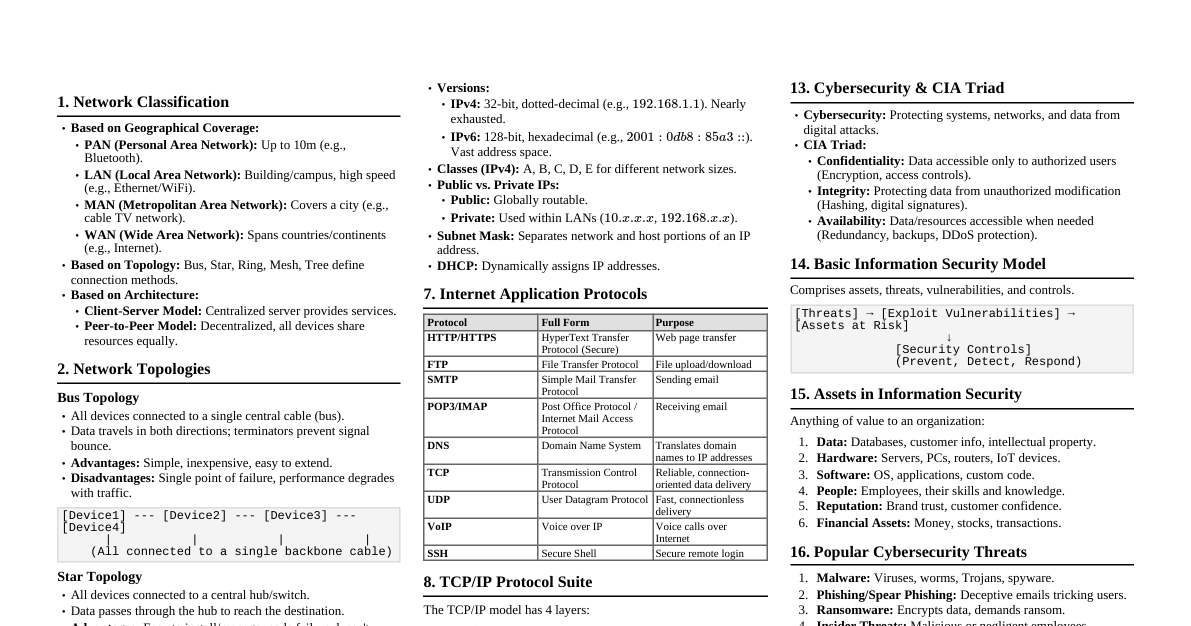
Networking & Communication Cheatsheet
Cheatsheet Content
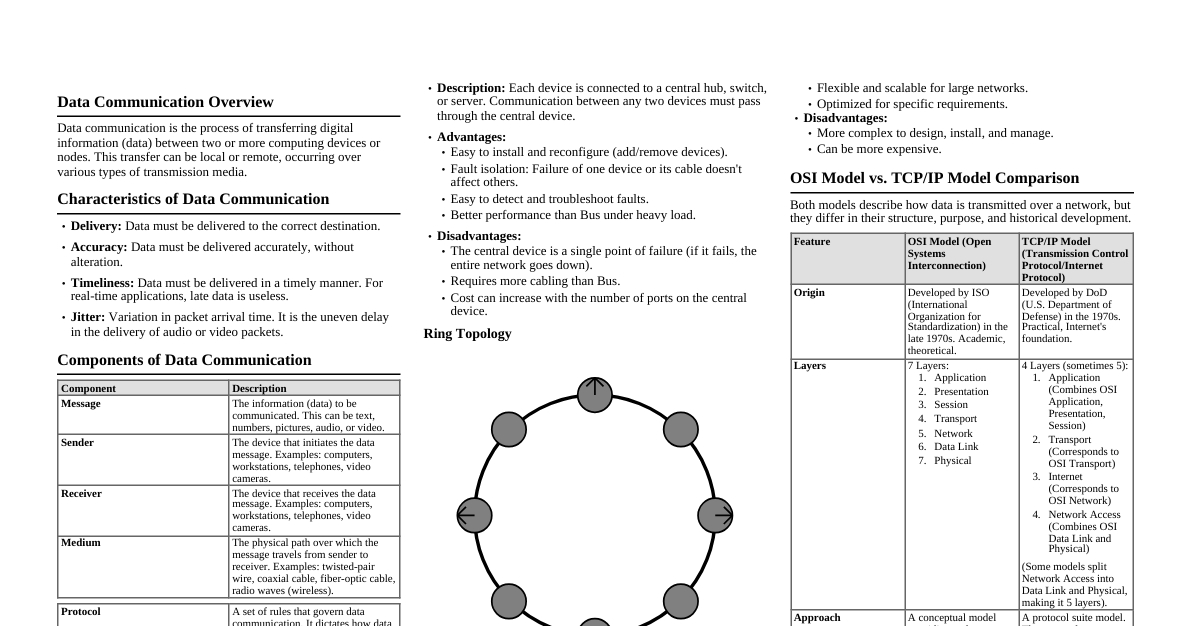
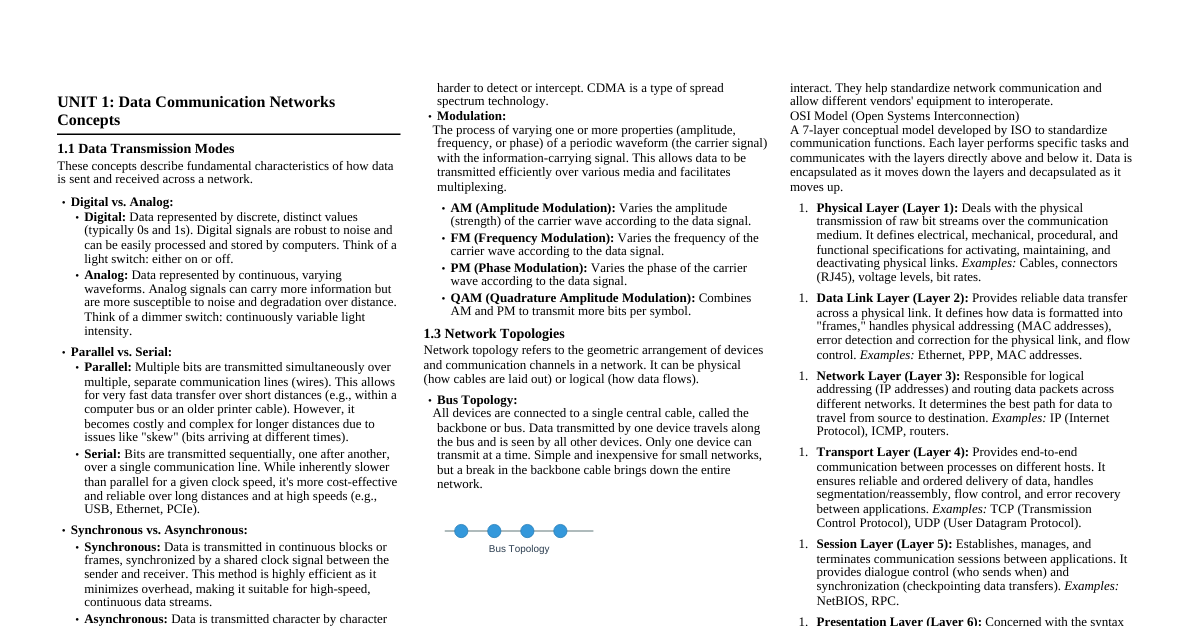
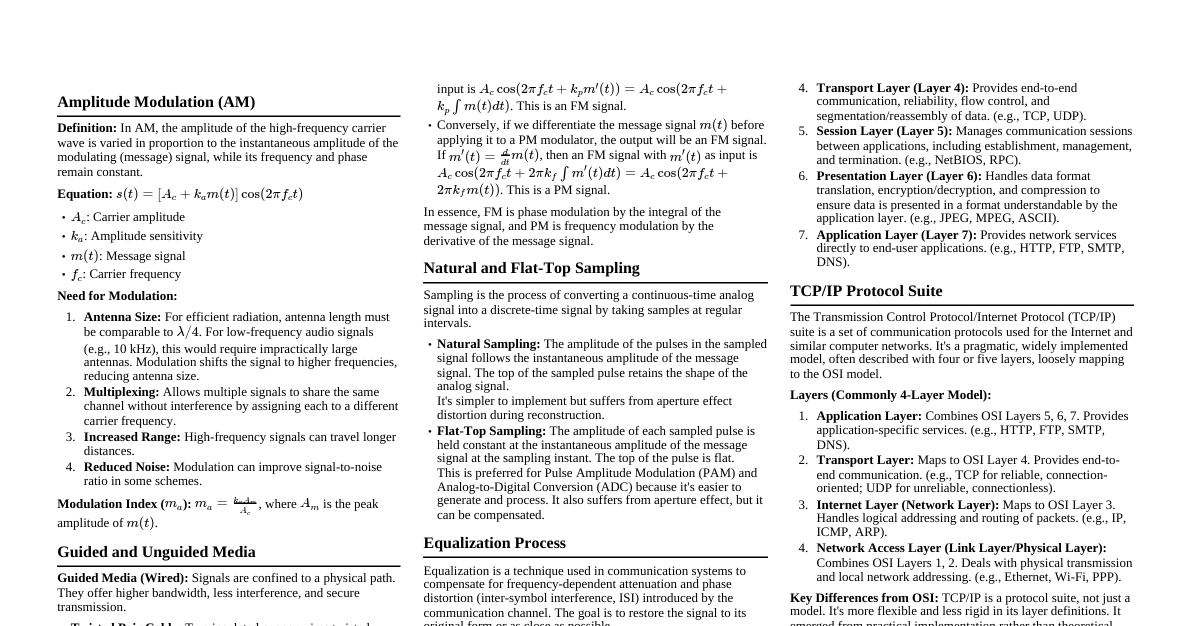
Fiber Optic Communication Fiber optic communication transmits data by sending pulses of light through an optical fiber. The light signals represent data, which are modulated and then decoded at the receiving end. This method uses total internal reflection to guide light along the fiber. Strengths High Bandwidth: Can carry vast amounts of data at very high speeds. Long Distance: Signals can travel much further without needing regeneration compared to electrical signals. Immunity to EMI: Not affected by electromagnetic interference, making it ideal for noisy environments. Security: Difficult to tap into without detection, offering better security. Small Size & Lightweight: Fibers are thin and light, saving space. Limitations Cost: Installation and component costs can be higher than copper. Fragility: Optical fibers are more delicate and prone to breakage if bent too sharply. Installation Complexity: Requires specialized skills and equipment for installation and splicing. Unidirectional: Typically requires two fibers for full-duplex communication (one for send, one for receive). Guided and Unguided Media Transmission media are pathways that carry information from sender to receiver. Guided Media (Wired) Signals are guided along a solid medium. Twisted-Pair Cable: Consists of pairs of insulated copper wires twisted together to reduce crosstalk and EMI. UTP (Unshielded Twisted Pair): Common, inexpensive, used in Ethernet. STP (Shielded Twisted Pair): Has an additional metallic shield to further reduce interference. Coaxial Cable: Central copper conductor, insulating layer, metallic shield, and outer jacket. Offers better shielding than UTP; used in cable TV and older Ethernet. Fiber Optic Cable: Transmits data using light pulses through glass or plastic fibers. High bandwidth, long distance, immune to EMI. Unguided Media (Wireless) Signals are transmitted through the air or space without a physical conductor. Radio Waves: Omnidirectional, can penetrate walls. Used in Wi-Fi, Bluetooth, cellular networks. Frequencies: 3 kHz to 1 GHz. Microwaves: Unidirectional, line-of-sight propagation. Used for long-distance communication, satellite communication. Frequencies: 1 GHz to 300 GHz. Infrared Waves: Short-range, line-of-sight, cannot penetrate walls. Used in remote controls. Frequencies: 300 GHz to 400 THz. Network Topologies The physical or logical arrangement of nodes and connections in a network. Star Topology: All devices connect to a central hub/switch. Pros: Easy to install/manage, fault isolation (failure of one device doesn't affect others). Cons: Single point of failure (if central device fails, whole network goes down), more cabling. Bus Topology: All devices share a single communication line (backbone cable) with terminators at each end. Pros: Less cabling, easy to extend. Cons: Single point of failure (if backbone fails), difficult to troubleshoot, limited number of devices. Ring Topology: Devices are connected in a closed loop, with each device connected to exactly two others. Data travels in one direction. Pros: Handles high volume of traffic, no collision. Cons: Failure of one link can break the entire ring, difficult to add/remove devices. Mesh Topology: Every device is connected to every other device. Pros: Highly redundant and fault-tolerant, high security. Cons: Very complex cabling, expensive to implement, difficult to manage. Formula for connections: $N(N-1)/2$ for $N$ devices. Hybrid Topology: Combination of two or more different topologies (e.g., star-bus, star-ring). Pros: Flexible, scalable, combines advantages of different topologies. Cons: Complex design and management, expensive. OSI Reference Model A conceptual framework for understanding network communication, divided into seven layers. Each layer performs specific functions. Layer Name Function Protocols/Devices 7 Application Network services to applications (e.g., email, web browsing) HTTP, FTP, SMTP, DNS 6 Presentation Data formatting, encryption, compression JPEG, MPEG, SSL/TLS 5 Session Manages sessions between applications NetBIOS, RPC 4 Transport End-to-end connection, segmentation, flow control TCP, UDP 3 Network Logical addressing (IP), routing IP, ICMP, Routers 2 Data Link Physical addressing (MAC), error detection, frame control Ethernet, ARP, Switches, Bridges 1 Physical Physical transmission of raw bit stream Cables, Hubs, Repeaters, NICs TCP/IP Protocol Suite The foundational protocol suite for the internet, often described with a four-layer model. Layer OSI Equivalent Function Protocols Application Application, Presentation, Session User interaction, data formatting HTTP, FTP, SMTP, DNS Transport Transport End-to-end communication, reliability TCP, UDP Internet Network Logical addressing, routing IP, ICMP, ARP Network Access Data Link, Physical Physical transmission, hardware addressing Ethernet, Wi-Fi LED (Light-Emitting Diode) A semiconductor device that emits light when current flows through it. Electrons recombine with holes, releasing energy in the form of photons. Principle: Electroluminescence. Applications: Indicators, displays, lighting, fiber optic communication (for short distances). In Fiber Optics: Used as light sources, especially for multimode fibers over shorter distances, due to lower cost and simpler drive circuitry compared to lasers. MODEM (Modulator-Demodulator) A device that converts digital signals into analog signals (modulation) for transmission over analog lines (like telephone lines) and converts analog signals back into digital signals (demodulation) at the receiving end. Function: Enables digital devices (computers) to communicate over analog transmission systems. Types: Dial-up modems, DSL modems, Cable modems, Fiber modems (ONT/ONU). REPEATER A network device that operates at the Physical layer (Layer 1) of the OSI model. It receives a weak or corrupted signal, regenerates it to its original strength, and retransmits it. Purpose: Extends the physical length of a network segment by boosting signals. Limitation: Does not filter network traffic or segment the network; amplifies noise along with the signal. Bluetooth Architecture A short-range wireless technology standard for exchanging data between fixed and mobile devices over short distances. Piconet A small, ad-hoc network of up to eight Bluetooth devices. One device acts as the master (controls communication), and up to seven others are slaves (communicate only with the master). All devices in a piconet share the master's clock and hopping sequence. Scatternet Formed when two or more independent piconets are connected. A device can be a slave in one piconet and a master in another, or a slave in multiple piconets (time-division multiplexing). Allows communication between devices in different piconets. ROUTER A network device that operates at the Network layer (Layer 3) of the OSI model. It connects different networks and forwards data packets between them based on IP addresses. Function: Determines the best path for data packets to travel across interconnected networks. Key Features: IP addressing, routing tables, network segmentation, security (firewall). Distinction from Switch: Routers connect different networks (e.g., LAN to WAN), while switches connect devices within the same network (LAN). BRIDGE A network device that operates at the Data Link layer (Layer 2) of the OSI model. It connects two or more LAN segments, filtering traffic based on MAC addresses. Function: Reduces network congestion by segmenting a larger LAN into smaller collision domains. How it works: Learns MAC addresses of devices on each segment and forwards frames only to the segment where the destination MAC address resides. Modern Equivalent: Switches are essentially multi-port bridges. HUB A network device that operates at the Physical layer (Layer 1) of the OSI model. It connects multiple Ethernet devices together, acting as a central connection point. Function: When a packet arrives at one port, the hub copies it to all other ports. Limitations: Creates a single collision domain, leading to performance degradation as more devices are added. Does not filter traffic; all devices see all traffic. Obsolescence: Largely replaced by switches due to their inefficiency.