C Programming: Branching & Iterations
Cheatsheet Content
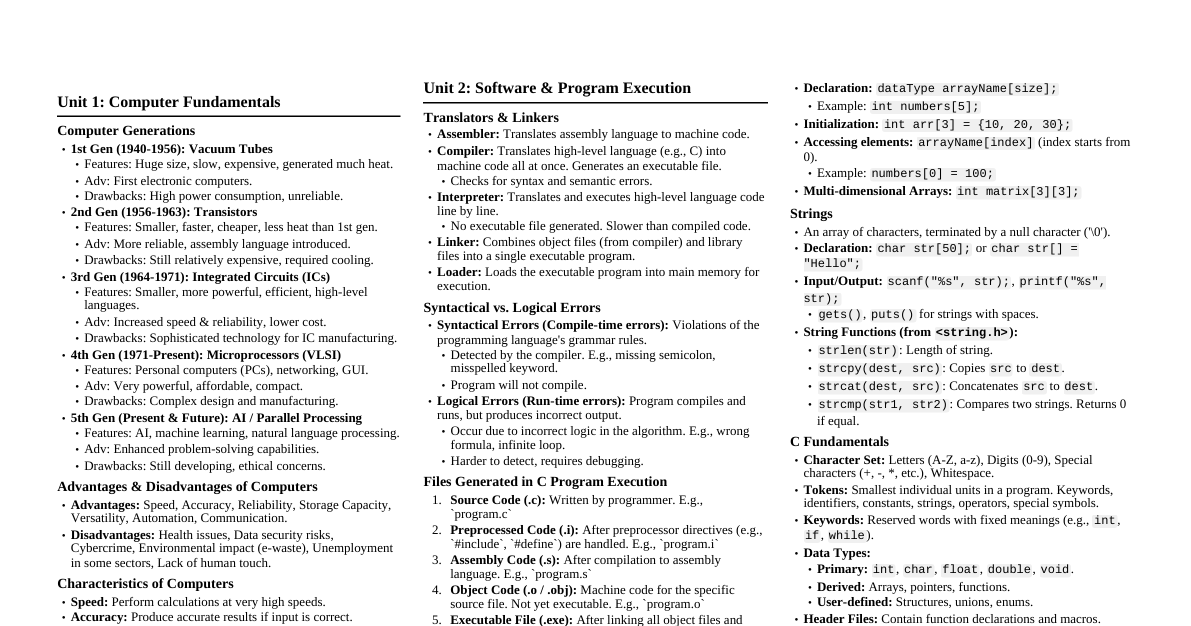
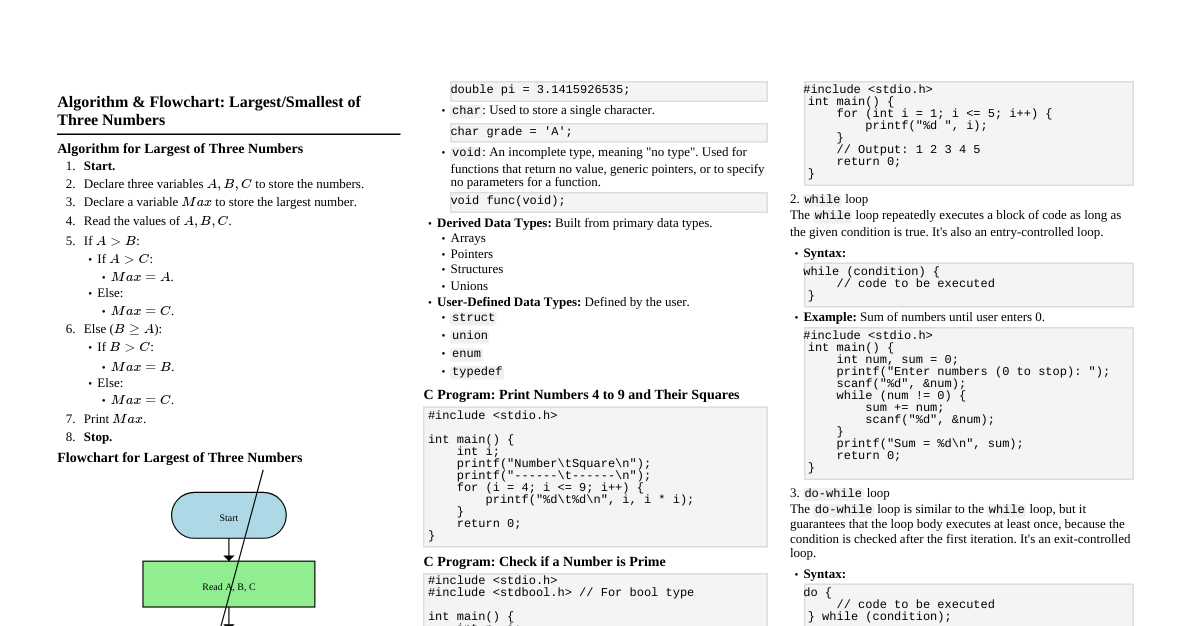
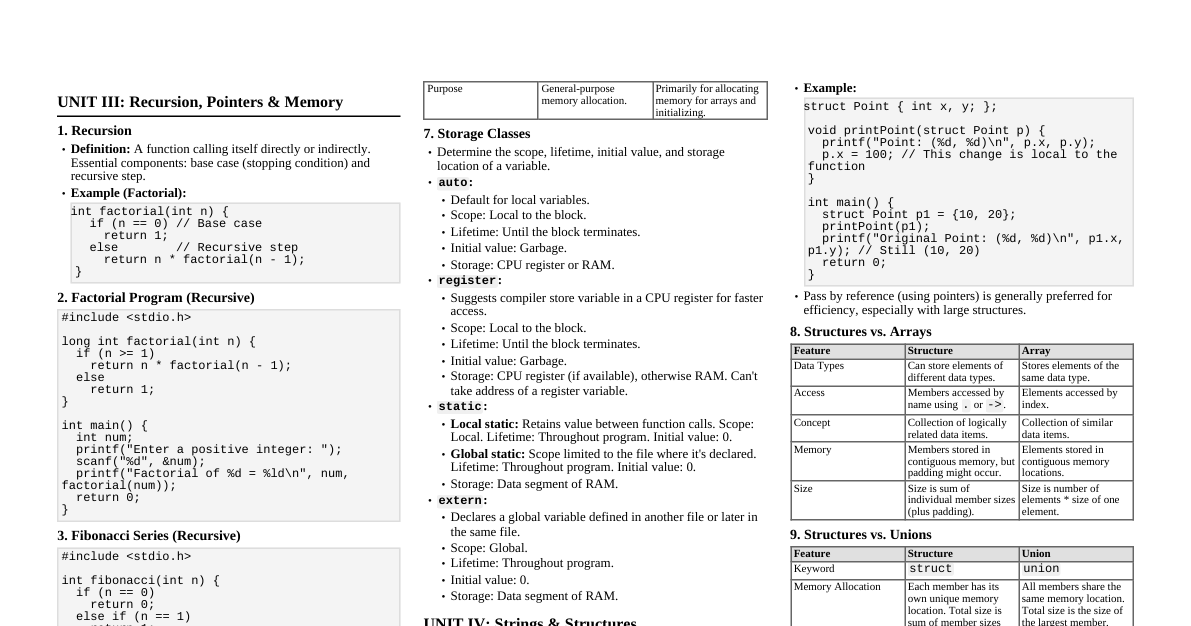
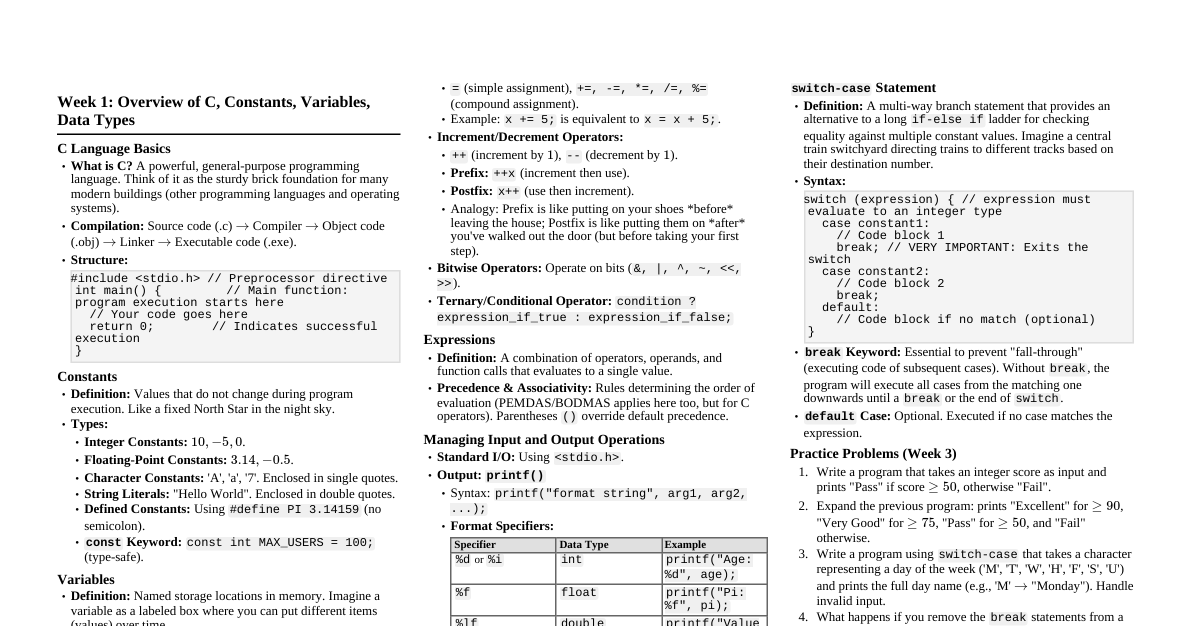
Control Flow Structures Iterations or loops: Repeated actions. Flow of operation: Execution of operations one after the other. Control flow structures: Iterations or loops controlled by conditions using controller data structures. These include conditions, switches, and loops. Conditions use constructs like: if (<condition True>) { operational statement } if (<condition True>) { operational statement } else { operational statement for condition false } Nested Conditions: A condition inside another condition. Conditional Statements in C #include<stdio.h> #include<string.h> int main() { int Marks = 40; /* integer data */ char status; // One character data printf("HI Sarang\n"); // Conditional expression (Ternary operator) status = (Marks > 40) ? 'P' : 'U'; // if-else statement if (status == 'P') { // Condition construct printf("Passed\n"); } else { // else print "Na -Passed" printf("Na -Pass\n"); } } Nested Conditions Example (Partial) #include<stdio.h> #include<string.h> int main() { int Marks = 50; /* integer data */ char status; // One character data printf("HI Sarang\n"); status = (Marks > 40) ? 'P' : 'U'; if (status == 'P') { printf("Passed\n"); } else { printf("Na -Pass\n"); if (status == 'U') { // Nested condition // ... further statements } } } Conditional Expressions (Ternary Operator) One-line conditions. Syntax: Variable = expression1 ? expression2 : expression3; Variable = (condition) ? expression2 : expression3; (condition) ? (variable = expression2) : (variable = expression3); If condition is true, expression2 is evaluated; otherwise, expression3 is evaluated. Flowchart Representations If Statement Test Expression True False Body of if If-Else Statement Test Expression True False Body of if Body of else Nested If-Else Flowchart Start If Condition True False Nested If Condition True False If Body Nested If Body Nested Else Body Statement just below if Exit Loops While Loop Flowchart Enter while loop Test Expression True False Body of while Exit loop Special Multilevel Condition: switch switch is used for multi-level conditions. #include<stdio.h> int main(void) { int My_i; printf("Enter one Integer:"); scanf("%d",&My_i); printf("Number is: >>%d\n", My_i); switch (My_i) { // start of switch statement case 1: printf("Prof. Sarang\n"); break; case 2: printf("Prof. Joshi\n"); break; default: printf("Prof. is a Teacher\n"); } } Loops: for loop Keyword: for #include<stdio.h> int main(void) { int My_i; for (My_i = 0; My_i Output Example The Number is= 0 The Number is= 1 ... The Number is= 9 Loops: while loop Keyword: while Syntax: while(<condition>){ body of the loop } #include<stdio.h> int main(void) { int My_j = 0; while (My_j Output Example My_j number is: 0 My_j number is: 1 ... My_j number is: 9 Loops: do-while loop Keyword: do while Syntax: do { body of loop.. } While(<condition>); The body executes at least once before the condition is checked. #include<stdio.h> int main(void) { int My_j = 10; do { printf("My_j has Value =%d\n", My_j); My_j--; } while (My_j > 0); return 0; } Output Example My_j has Value =10 My_j has Value =9 ... My_j has Value =1 Control Statements: break, continue, goto break : Exits the loop or switch statement. Primarily used with switch . continue : Skips the rest of the current iteration and jumps to the beginning of the loop for the next iteration. Recommended for debugging. goto : Jumps to a specified label. Generally considered bad practice. Arrays: Introduction Used to store a collection of data of the same type when the quantity of data is more than 1. Example: int MyArray[10]; declares an array named MyArray that can hold 10 integers. Array indices always start from zero (e.g., MyArray[0] = 50; ). Can be single-dimensional ( [] ), two-dimensional ( [][] ), or multi-dimensional ( [][][] ). Arrays: Applications Mathematics: Matrix operations. Games and Graphics: Image Processing. Audio: Signal Processing. Camera lens data can be treated as an array. String manipulation operations. In C, arrays hold data elements of the declared data type (e.g., an integer array holds integers). Single Dimensional Arrays Example #include<stdio.h> int main(void) { int My_i = 0; int MyArray[10]; /* Input 10 numbers */ for (int My_j = 0; My_j Sample Output Enter a Number: 10 ... The Numbers are: 10 12 13 1 3 4 2 6 8 9 2 Dimensional Arrays Example #include<stdio.h> int main(void) { int My_i = 0, My_j = 0; int MyNumber = 0; int MyArray[2][2]; // 2D Array data type int /* Input 4 numbers */ for (My_i = 0; My_i Sample Output Enter a Number:[0][0] 0 Enter a Number:[0][1] 1 Enter a Number:[1][0] 2 Enter a Number:[1][1] 3 Displaying the 2x2 Matrix: 0 1 2 3 2x2 Matrix Addition using Arrays #include<stdio.h> int main(void) { int My_i = 0, My_j = 0; int MyNumber = 0; int MyMatrix1[2][2], MyMatrix2[2][2], MyMatrix3[2][2]; /* Input 4 numbers for MyMatrix1 */ printf("Enter elements for Matrix 1:\n"); for (My_i = 0; My_i 2x2 Matrix Multiplication using Arrays #include<stdio.h> int main(void) { int My_i, My_j, My_k; int MyNumber = 0; int MyMatrix1[2][2], MyMatrix2[2][2], MyMatrix3[2][2]; // Initialize MyMatrix3 to Zero for (My_i = 0; My_i Sample Input for Multiplication MyMatrix1: [[1,2],[3,4]] MyMatrix2: [[1,2],[3,4]] Expected Output Result of Matrix Multiplication: 7 10 15 22 Strings in C Sequence of alpha-numeric characters terminated by a null character ( '\0' ). Also called zero-terminated strings. Each character is represented by an ASCII value: 7 bits for standard ASCII ($2^7 = 128$ symbols) 8 bits for extended ASCII ($2^8 = 256$ symbols) The string.h library provides functions for string operations. Strings are defined using the char data type. String Definition Methods Single Character String (as an array): char MyChr[7] = {'s','a','r','a','n','g','\0'}; char MyChr[] = {'s','a','r','a','n','g','\0'}; (size declaration optional) String Literals: char MyStr[] = "sarang"; (compiler automatically appends '\0' ) Key Difference: String characters in an array can be modified, but not in string literals (they are stored in read-only memory). Study string functions in string.h . String Concatenation Example #include <stdio.h> #include <string.h> int main() { char MyStr1[20] = {'S','a','r','a','n','g','\0'}; // Ensure enough space for concatenation char MyStr2[10] = "Joshi"; // Concatenate MyStr2 to MyStr1 strcat(MyStr1, " "); // append blank character strcat(MyStr1, MyStr2); // concatenate MyStr2 printf("My Name is %s and my surname is %s\n", MyStr1, MyStr2); printf("The second Character of My Name is : %c\n", MyStr1[1]); return 0; } #include <stdio.h> #include <string.h> int main() { char DestStr[20] = "Sarang"; // Ensure enough space char SrcStr[10] = "Joshi"; // Concatenate SrcStr to DestStr strcat(DestStr, " "); // append blank character strcat(DestStr, SrcStr); printf("Outcome of Concatenation is : %s\n", DestStr); return 0; } Combined Output My Name is Sarang Joshi and my surname is Joshi The second Character of My Name is : a Outcome of Concatenation is : Sarang Joshi String Pointers Example #include<stdio.h> #include<string.h> // For strlen if used int main() { char MyStr1[20]; // Increased size for input char *MyStr2; // String pointer printf("Enter the String: "); scanf("%[^\n]s", MyStr1); // Reads string including spaces printf("The String is: %s\n", MyStr1); // Allocate string to a string pointer MyStr2 = MyStr1; // MyStr2 now points to the beginning of MyStr1 printf("The First Character in the String is: %c\n", *MyStr2); // Dereference MyStr2 to get first char return 0; } Sample Output Enter the String: Sarang The String is: Sarang The First Character in the String is: S Convert ASCII character to Integer (Type Casting) #include<stdio.h> int main() { int StrVal = 0; char MyStr[10]; printf("Enter a character: "); scanf("%[^\n]s", MyStr); printf("The Character is : %s\n", MyStr); // Type cast (Convert the data type) the string's first character StrVal = (int) MyStr[0]; printf("The ASCII value of %c is %d\n", MyStr[0], StrVal); return 0; } String Operations Example & Output #include<stdio.h> #include<string.h> int main() { int StrVal = 0; int strLength = 0; int LoopVar = 0; char MyStr[20]; // Increased size for input printf("Enter a String: "); scanf("%s", MyStr); // Reads string until whitespace printf("The String is : %s\n", MyStr); // Get length of a string, excluding '\0' strLength = strlen(MyStr); printf("The length of given string is : %d\n", strLength); for (LoopVar = 0; LoopVar Sample Input and Output Enter a String: Sarang The String is : Sarang The length of given string is : 6 The ASCII value of S is 83 The ASCII value of a is 97 The ASCII value of r is 114 The ASCII value of a is 97 The ASCII value of n is 110 The ASCII value of g is 103 String Problems to Solve Write C code to accept a string and reverse it. Draw a flowchart. Write C code to accept a string and count the frequency of vowels, display the count. Write C code to check if a string (or number) is a palindrome. Display if it exists. Write C code to change the string "Sarang" to "Tarang". Write C code to print the ASCII equivalent of each character in a given string.