C Programming Important Questions
Cheatsheet Content
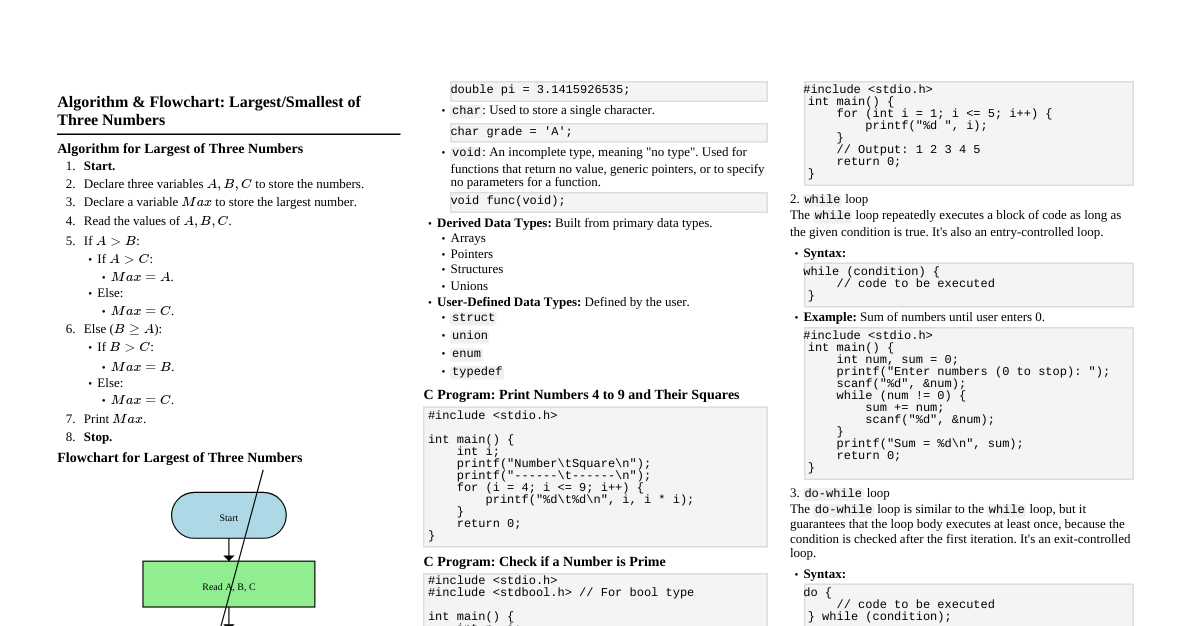
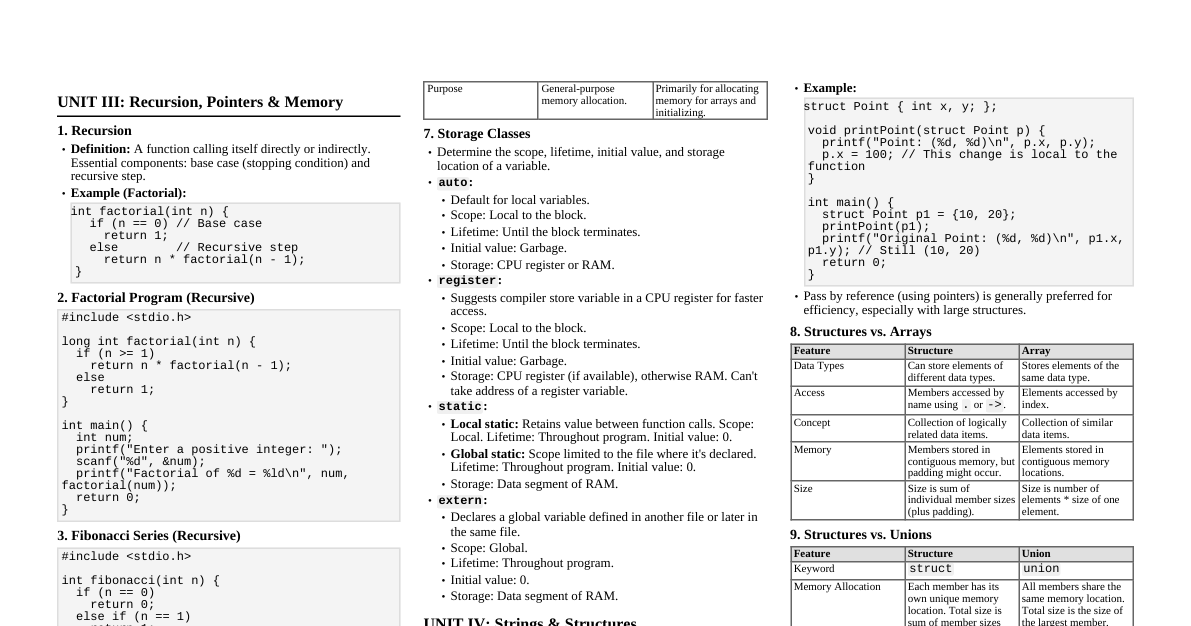
Chapter 1: Control Statements Differences: if vs. if-else if statement: Executes a block of code ONLY if the condition is true. If false, it skips the block. if (condition) { // code to execute if condition is true } if-else statement: Executes one block of code if the condition is true, and a different block if the condition is false. if (condition) { // code to execute if condition is true } else { // code to execute if condition is false } Differences: for vs. while vs. do-while for loop: Used when the number of iterations is known beforehand. It combines initialization, condition, and increment/decrement in one line. for (initialization; condition; increment/decrement) { // code to execute } while loop: Used when the number of iterations is not known beforehand. The condition is checked at the beginning of each iteration. If the condition is false initially, the loop body never executes. while (condition) { // code to execute // increment/decrement (if needed) } do-while loop: Similar to while , but the condition is checked at the end of the loop. This guarantees that the loop body executes at least once, regardless of the initial condition. do { // code to execute // increment/decrement (if needed) } while (condition); Chapter 2: Arrays and Strings Code: Matrix Multiplication ($2 \times 2$ matrices) #include <stdio.h> int main() { int a[2][2], b[2][2], c[2][2], i, j, k; // Input for first matrix printf("Enter elements of 1st matrix (2x2):\n"); for (i = 0; i String Functions strlen(const char *str) : Returns the length of the string (number of characters excluding the null terminator). char s[] = "Hello"; int len = strlen(s); // len will be 5 strcpy(char *dest, const char *src) : Copies the string pointed to by src (including the null terminator) to the buffer pointed to by dest . char dest[20]; char src[] = "World"; strcpy(dest, src); // dest now holds "World" strcat(char *dest, const char *src) : Appends the string pointed to by src to the end of the string pointed to by dest . The null terminator from dest is overwritten. char s1[20] = "Hello "; char s2[] = "World"; strcat(s1, s2); // s1 now holds "Hello World" strcmp(const char *str1, const char *str2) : Compares two strings lexicographically. Returns 0 if strings are equal, a negative value if str1 is less than str2 , and a positive value if str1 is greater than str2 . char s1[] = "apple"; char s2[] = "banana"; int cmp = strcmp(s1, s2); // cmp will be strstr(const char *haystack, const char *needle) : Finds the first occurrence of the substring needle in the string haystack . Returns a pointer to the beginning of the located substring, or NULL if the substring is not found. char text[] = "Hello World"; char sub[] = "World"; char *ptr = strstr(text, sub); // ptr points to 'W' in "World" Chapter 3: Functions Call by Value vs. Call by Reference Feature Call by Value Call by Reference Mechanism A copy of the actual argument's value is passed to the formal parameter. The address of the actual argument is passed to the formal parameter. Data Modification Changes made to the formal parameter inside the function do NOT affect the original actual argument. Changes made to the formal parameter (via pointer dereferencing) DO affect the original actual argument. Memory A separate memory location is created for the formal parameter. No separate memory is created for the formal parameter; it uses the same memory location as the actual argument. Arguments Actual arguments are variables or expressions. Actual arguments are addresses of variables (using & ). Usage When you want to protect the original value from modification. When you need to modify the original value of the actual argument from within the function. Code: Factorial using Recursion #include <stdio.h> long long factorial(int n) { if (n == 0 || n == 1) { return 1; } else { return n * factorial(n - 1); // Recursive call } } int main() { int num; printf("Enter a non-negative integer: "); scanf("%d", &num); if (num Chapter 4: Structures and Unions Differences: structure vs. union Feature Structure Union Keyword struct union Memory Allocation Each member gets its own separate memory location. Total size is sum of sizes of all members (plus padding). All members share the same memory location. Total size is equal to the size of the largest member. Data Access All members can hold values simultaneously. Only one member can hold a value at any given time. Assigning a value to one member overwrites the value of previous member. Purpose To group related data items of different types. To save memory when only one of several members will be used at any given time. Pointers to Structures A pointer to a structure variable can be declared. Members are accessed using the arrow operator ( -> ). struct Student { int roll_no; char name[50]; }; int main() { struct Student s1 = {101, "Alice"}; struct Student *ptr = &s1; // Pointer to structure printf("Roll No: %d\n", (*ptr).roll_no); // Using dereference operator printf("Name: %s\n", ptr->name); // Using arrow operator (preferred) return 0; } Chapter 5: Pointers & Dynamic Memory Allocation Pointers Declaration: datatype *pointer_variable; int *ptr; // pointer to an integer Initialization: Assigning the address of a variable to a pointer. int x = 10; int *ptr = &x; // ptr now holds the address of x Dereferencing: Accessing the value at the memory location pointed to by the pointer using * . printf("Value of x: %d\n", *ptr); // Output: 10 Pointer Arithmetic: Pointers can be incremented/decremented, or subtracted. Operations are scaled by the size of the data type. int arr[] = {10, 20, 30}; int *p = arr; // p points to arr[0] printf("%d ", *p); // 10 p++; // p now points to arr[1] printf("%d\n", *p); // 20 Pointers to Arrays: An array name itself can act as a pointer to its first element. int arr[3] = {1, 2, 3}; int *p = arr; // Same as p = &arr[0]; printf("%d %d\n", p[0], *(p+1)); // Output: 1 2 Array of Pointers: An array where each element is a pointer. int a=10, b=20; int *ptr_arr[2]; // An array of 2 integer pointers ptr_arr[0] = &a; ptr_arr[1] = &b; printf("%d %d\n", *ptr_arr[0], *ptr_arr[1]); // Output: 10 20 Differences in Dynamic Memory Allocation Functions Function Purpose Return Type Initialization Usage malloc() Allocates a block of memory of a specified size (in bytes). void* (must be cast) Memory is not initialized (contains garbage values). ptr = (cast_type *) malloc(size_in_bytes); calloc() Allocates memory for an array of n elements, each of size bytes. void* (must be cast) All allocated memory is initialized to zero. ptr = (cast_type *) calloc(num_elements, element_size); realloc() Resizes a previously allocated memory block. void* (must be cast) New memory is uninitialized; old content is preserved up to the new size. new_ptr = (cast_type *) realloc(old_ptr, new_size_in_bytes); free() Deallocates memory previously allocated by malloc , calloc , or realloc . void N/A free(ptr); Code: Dynamic Array using malloc() #include <stdio.h> #include <stdlib.h> // For malloc, free int main() { int *arr; int n, i; printf("Enter the number of elements: "); scanf("%d", &n); // Allocate memory for n integers arr = (int *) malloc(n * sizeof(int)); // Check if malloc was successful if (arr == NULL) { printf("Memory allocation failed!\n"); return 1; } printf("Enter %d elements:\n", n); for (i = 0; i Chapter 6: File Handling File Handling Functions FILE *fopen(const char *filename, const char *mode) : Opens a file specified by filename in the given mode . Returns a file pointer on success, NULL on failure. int fclose(FILE *stream) : Closes the file pointed to by stream . Returns 0 on success, EOF on error. int fgetc(FILE *stream) : Reads a single character from the file. Returns the character read (as an int ), or EOF on end-of-file or error. int fputc(int character, FILE *stream) : Writes a single character to the file. Returns the character written, or EOF on error. char *fgets(char *str, int n, FILE *stream) : Reads at most n-1 characters from the file into str until a newline, EOF, or n-1 characters are read. Appends a null terminator. Returns str on success, NULL on error/EOF. int fputs(const char *str, FILE *stream) : Writes the string str to the file. Returns a non-negative value on success, EOF on error. int fprintf(FILE *stream, const char *format, ...) : Writes formatted output to the file. Similar to printf but takes a file pointer. int fscanf(FILE *stream, const char *format, ...) : Reads formatted input from the file. Similar to scanf but takes a file pointer. int fseek(FILE *stream, long offset, int whence) : Sets the file position indicator for the file pointed to by stream . whence can be SEEK_SET (from beginning), SEEK_CUR (from current position), or SEEK_END (from end). Returns 0 on success. long ftell(FILE *stream) : Returns the current file position indicator for the file pointed to by stream . Returns -1L on error. void rewind(FILE *stream) : Sets the file position indicator to the beginning of the file. No return value. File Modes "r" : Read mode. Opens an existing file for reading. File must exist. "w" : Write mode. Opens a file for writing. If the file exists, its content is truncated (emptied). If it doesn't exist, a new file is created. "a" : Append mode. Opens a file for writing, appending data to the end. If the file doesn't exist, a new file is created. "r+" : Read and Write mode. Opens an existing file for both reading and writing. File must exist. "w+" : Write and Read mode. Opens a file for both reading and writing. If the file exists, its content is truncated. If it doesn't exist, a new file is created. "a+" : Append and Read mode. Opens a file for both reading and appending. If the file doesn't exist, a new file is created. Code: Copying File Content #include <stdio.h> #include <stdlib.h> // For exit int main() { FILE *source_file, *dest_file; char source_path[100], dest_path[100]; char ch; printf("Enter path of source file: "); scanf("%s", source_path); // Open source file in read mode source_file = fopen(source_path, "r"); if (source_file == NULL) { printf("Cannot open source file.\n"); exit(EXIT_FAILURE); } printf("Enter path of destination file: "); scanf("%s", dest_path); // Open destination file in write mode dest_file = fopen(dest_path, "w"); if (dest_file == NULL) { printf("Cannot open destination file.\n"); fclose(source_file); // Close source file before exiting exit(EXIT_FAILURE); } // Read character by character from source and write to destination while ((ch = fgetc(source_file)) != EOF) { fputc(ch, dest_file); } printf("File copied successfully.\n"); fclose(source_file); fclose(dest_file); return 0; }