C Programming Mid-term Review
Cheatsheet Content
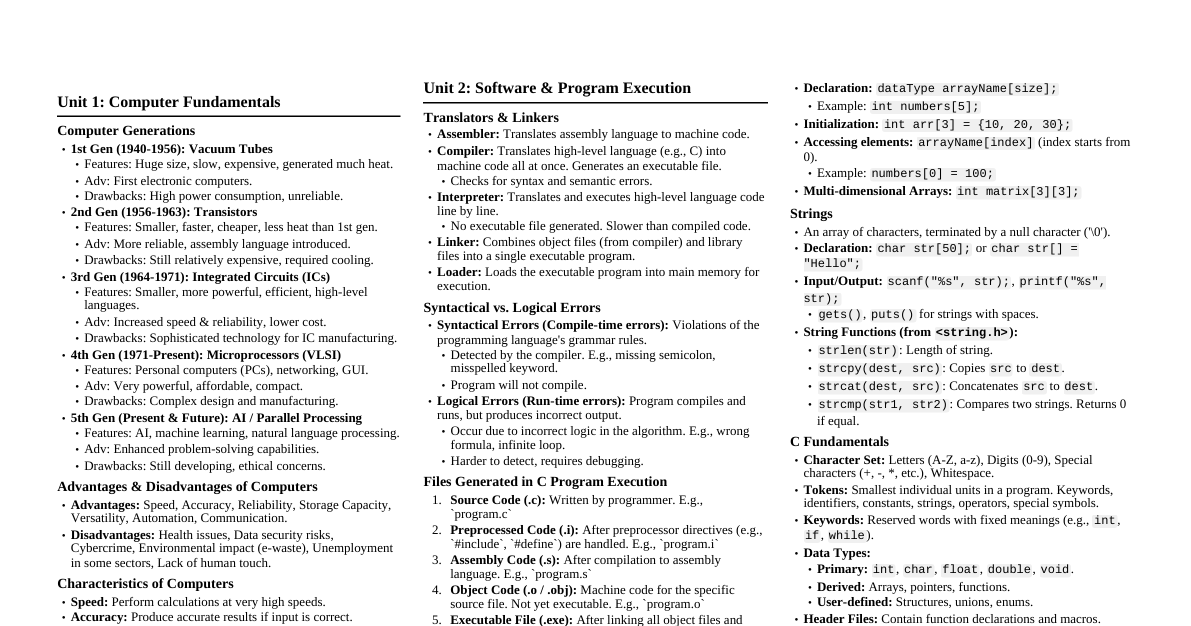
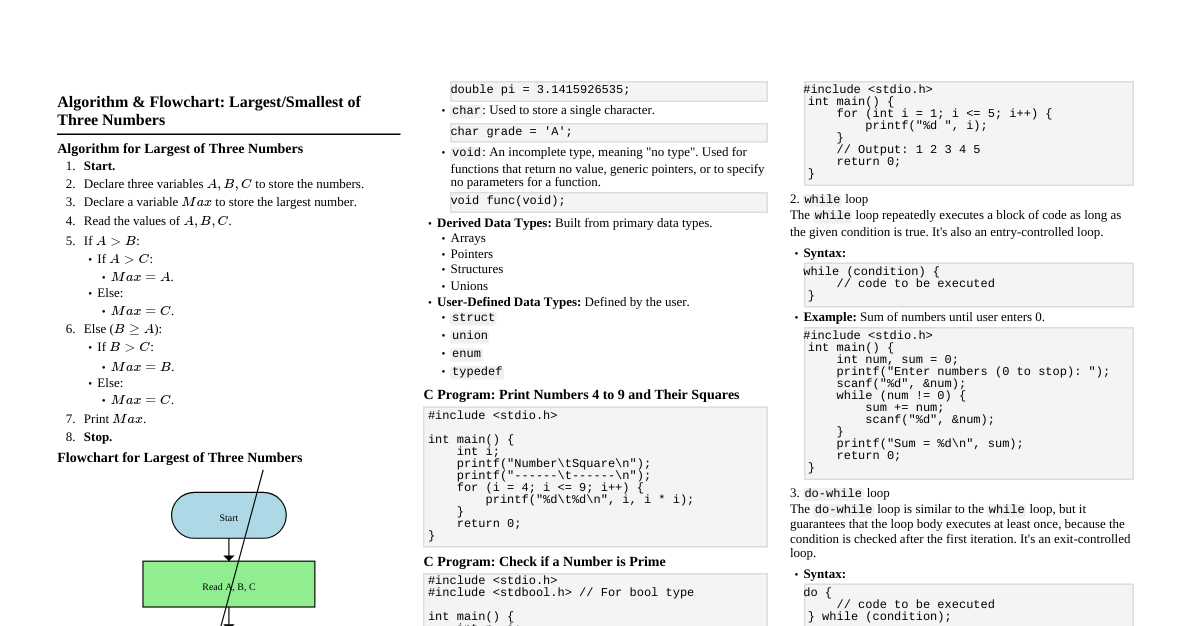
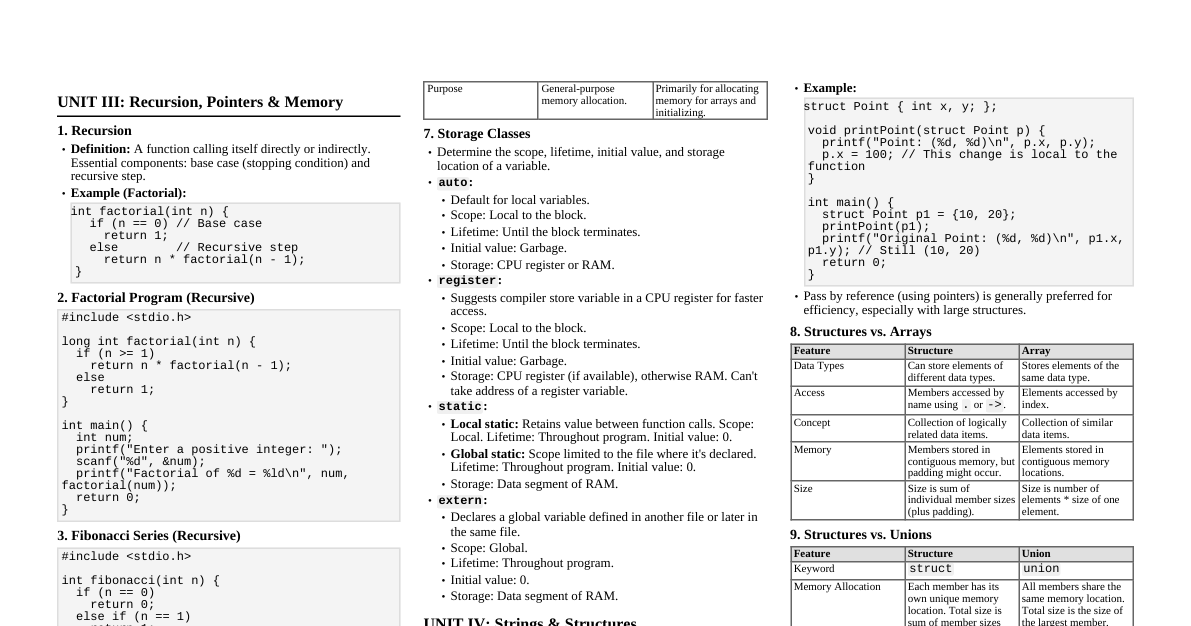
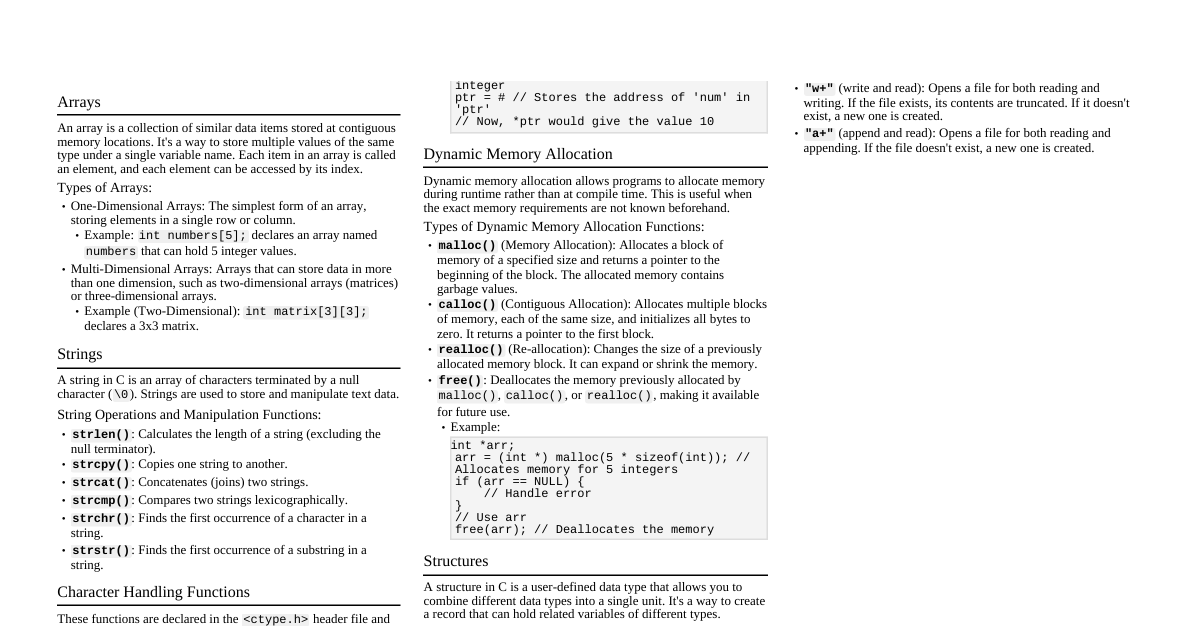
1. One-Dimensional Arrays A one-dimensional array is a collection of elements of the same data type, stored at contiguous memory locations. Elements are accessed using an index. Declaration: dataType arrayName[size]; Initialization: int arr[3] = {10, 20, 30}; Access: arr[index] Example Program: Sum of Array Elements #include <stdio.h> int main() { int arr[5] = {10, 20, 30, 40, 50}; int sum = 0; for (int i = 0; i < 5; i++) { sum += arr[i]; } printf("Sum: %d\n", sum); return 0; } 2. Two-Dimensional Arrays & Matrix Multiplication A two-dimensional array (matrix) is an array of arrays, representing rows and columns. Elements are accessed using two indices: arrayName[row][column] . Matrix Multiplication Program #include <stdio.h> int main() { int a[2][3] = {{1, 2, 3}, {4, 5, 6}}; int b[3][2] = {{7, 8}, {9, 1}, {2, 3}}; int c[2][2] = {0}; // Result matrix printf("Matrix A:\n"); for (int i = 0; i < 2; i++) { for (int j = 0; j < 3; j++) printf("%d ", a[i][j]); printf("\n"); } printf("Matrix B:\n"); for (int i = 0; i < 3; i++) { for (int j = 0; j < 2; j++) printf("%d ", b[i][j]); printf("\n"); } // Multiplying matrix a and b and storing in c for (int i = 0; i < 2; i++) { for (int j = 0; j < 2; j++) { for (int k = 0; k < 3; k++) { c[i][j] += a[i][k] * b[k][j]; } } } printf("Resultant Matrix C:\n"); for (int i = 0; i < 2; i++) { for (int j = 0; j < 2; j++) { printf("%d ", c[i][j]); } printf("\n"); } return 0; } 3. Matrix Addition Program #include <stdio.h> int main() { int a[2][2] = {{1, 2}, {3, 4}}; int b[2][2] = {{5, 6}, {7, 8}}; int c[2][2]; printf("Matrix A:\n"); for (int i = 0; i < 2; i++) { for (int j = 0; j < 2; j++) printf("%d ", a[i][j]); printf("\n"); } printf("Matrix B:\n"); for (int i = 0; i < 2; i++) { for (int j = 0; j < 2; j++) printf("%d ", b[i][j]); printf("\n"); } // Adding two matrices for (int i = 0; i < 2; i++) { for (int j = 0; j < 2; j++) { c[i][j] = a[i][j] + b[i][j]; } } printf("Sum Matrix C:\n"); for (int i = 0; i < 2; i++) { for (int j = 0; j < 2; j++) { printf("%d ", c[i][j]); } printf("\n"); } return 0; } 4. Functions & Categories A function is a block of code that performs a specific task. It helps in modularizing code, improving reusability and readability. Syntax: returnType functionName(parameter1, parameter2, ...) { // body } Categories of Functions: Library Functions: Pre-defined functions available in C standard libraries (e.g., printf() , scanf() , sqrt() ). User-Defined Functions: Functions created by the programmer to perform specific tasks. Types of User-Defined Functions (based on arguments and return value): No arguments, no return value: void func(); No arguments, with return value: int func(); With arguments, no return value: void func(int x); With arguments, with return value: int func(int x); 5. Call by Value & Call by Reference These are methods of passing arguments to a function. Call by Value A copy of the actual argument's value is passed to the formal parameter. Changes made to the formal parameter inside the function do not affect the original actual argument. Used when the function does not need to modify the original variable. void swap(int x, int y) { int temp = x; x = y; y = temp; } int main() { int a = 10, b = 20; swap(a, b); // a and b remain 10, 20 } Call by Reference (using Pointers) The address of the actual argument is passed to the formal parameter (which is a pointer). Changes made to the value at the address pointed to by the formal parameter will affect the original actual argument. Used when the function needs to modify the original variable(s). void swap(int *x, int *y) { int temp = *x; *x = *y; *y = temp; } int main() { int a = 10, b = 20; swap(&a, &b); // a becomes 20, b becomes 10 } 6. Recursion Recursion is a programming technique where a function calls itself directly or indirectly to solve a problem. It involves a base case (termination condition) and a recursive step. Example Program: Factorial using Recursion #include <stdio.h> long int factorial(int n) { if (n >= 1) return n * factorial(n - 1); // Recursive step else return 1; // Base case } int main() { int num = 5; printf("Factorial of %d = %ld\n", num, factorial(num)); return 0; } 7. Dynamic Memory Allocation Dynamic memory allocation allows a program to request memory space during runtime. This is useful when the exact memory requirement is not known at compile time. Functions are available in <stdlib.h> . malloc() : Allocates a block of memory of specified size. Returns a void* pointer to the beginning of the block, or NULL if allocation fails. The allocated memory contains garbage values. ptr = (castType*) malloc(sizeInBytes); calloc() : Allocates a block of memory and initializes all bytes to zero. ptr = (castType*) calloc(numElements, elementSize); realloc() : Changes the size of the memory block pointed to by ptr . ptr = (castType*) realloc(ptr, newSizeInBytes); free() : Deallocates the memory previously allocated by malloc() , calloc() , or realloc() . free(ptr); Example: Dynamic Array #include <stdio.h> #include <stdlib.h> int main() { int *arr; int n = 5; // Allocate memory for 5 integers arr = (int*) malloc(n * sizeof(int)); if (arr == NULL) { printf("Memory allocation failed!\n"); return 1; } // Initialize and print for (int i = 0; i < n; i++) { arr[i] = i + 1; printf("%d ", arr[i]); } printf("\n"); free(arr); // Deallocate memory return 0; } 8. Strings & String Processing (Library Functions) In C, a string is an array of characters terminated by a null character ( '\0' ). Declaration: char str[] = "Hello"; or char str[6] = {'H', 'e', 'l', 'l', 'o', '\0'}; Common String Library Functions (from <string.h> ): strlen(str) : Returns the length of the string (number of characters before '\0' ). strcpy(dest, src) : Copies the src string to dest . strncpy(dest, src, n) : Copies at most n characters from src to dest . strcat(dest, src) : Appends the src string to the end of dest . strncat(dest, src, n) : Appends at most n characters from src to dest . strcmp(str1, str2) : Compares two strings. Returns 0 if equal, <0 if str1 is less than str2 , >0 otherwise. strncmp(str1, str2, n) : Compares at most n characters of two strings. strchr(str, char) : Returns a pointer to the first occurrence of char in str . strstr(str, substr) : Returns a pointer to the first occurrence of substr in str . Example: String Operations #include <stdio.h> #include <string.h> int main() { char s1[20] = "Hello"; char s2[20] = "World"; char s3[40]; printf("Length of s1: %lu\n", strlen(s1)); strcpy(s3, s1); printf("Copied s3: %s\n", s3); strcat(s1, s2); printf("Concatenated s1: %s\n", s1); // HelloWorld printf("Comparison s1 vs s2: %d\n", strcmp(s1, s2)); return 0; } 9. String Processing (Without Library Functions) Basic string operations can be implemented manually using loops and character-by-character processing. Example: String Length & Copy (Manual) #include <stdio.h> int main() { char str[] = "Programming"; char copyStr[20]; int i, length = 0; // Calculate length while (str[length] != '\0') { length++; } printf("Length: %d\n", length); // Copy string for (i = 0; str[i] != '\0'; i++) { copyStr[i] = str[i]; } copyStr[i] = '\0'; // Null-terminate the copied string printf("Copied string: %s\n", copyStr); return 0; } 10. Structures A structure ( struct ) is a user-defined data type that allows grouping of different data types (members) under a single name. It creates a new data type. Definition: struct Student { char name[50]; int roll_no; float marks; }; Declaration: struct Student s1; Initialization: struct Student s1 = {"Alice", 101, 85.5}; Access Members: Using the dot operator ( . ) for variables, or arrow operator ( -> ) for pointers. s1.roll_no , ptr->name Example Program: Student Structure #include <stdio.h> #include <string.h> struct Student { char name[50]; int roll_no; float marks; }; int main() { struct Student s1; strcpy(s1.name, "Bob"); s1.roll_no = 102; s1.marks = 92.0; printf("Student Name: %s\n", s1.name); printf("Roll No: %d\n", s1.roll_no); printf("Marks: %.2f\n", s1.marks); return 0; } 11. Unions A union is a user-defined data type similar to a structure, but all its members share the same memory location. Only one member can hold a value at any given time. The size of a union is determined by its largest member. Definition: union Data { int i; float f; char str[20]; }; Declaration: union Data d1; Access Members: Using the dot operator ( . ) or arrow operator ( -> ). d1.i , d1.f , d1.str Example Program: Union #include <stdio.h> #include <string.h> union Data { int i; float f; char str[20]; }; int main() { union Data data; data.i = 10; printf("data.i: %d\n", data.i); data.f = 220.5; // data.i now contains garbage printf("data.f: %.2f\n", data.f); strcpy(data.str, "C Programming"); // data.f now contains garbage printf("data.str: %s\n", data.str); // Only the last assigned member will hold correct value printf("After all assignments:\n"); printf("data.i (garbage): %d\n", data.i); printf("data.f (garbage): %.2f\n", data.f); printf("data.str: %s\n", data.str); return 0; } 12. Files & Operations File handling in C allows programs to read from and write to disk files. The FILE pointer is used to manage files. fopen() : Opens a file. Returns a FILE* pointer or NULL on failure. FILE *fp = fopen("filename.txt", "mode"); File Modes: "r" : Read (file must exist) "w" : Write (creates new file or truncates existing) "a" : Append (creates new file or appends to existing) "r+" : Read and Write (file must exist) "w+" : Read and Write (creates new file or truncates existing) "a+" : Read and Append (creates new file or appends to existing) fclose() : Closes an opened file. fclose(fp); File Operations: Writing: fputc(char, fp) : Writes a character. fputs(string, fp) : Writes a string. fprintf(fp, "format", args...) : Formatted output to file. Reading: fgetc(fp) : Reads a character. fgets(buffer, size, fp) : Reads a line or size-1 characters. fscanf(fp, "format", &var...) : Formatted input from file. Example: Read, Write, Append #include <stdio.h> #include <stdlib.h> // For exit() int main() { FILE *fp; char data[50]; // --- Write to a file --- fp = fopen("example.txt", "w"); if (fp == NULL) { printf("Error opening file for writing!\n"); return 1; } fprintf(fp, "Hello, C File Handling!\n"); fputs("This is a new line.\n", fp); fclose(fp); printf("Data written to example.txt\n"); // --- Read from a file --- fp = fopen("example.txt", "r"); if (fp == NULL) { printf("Error opening file for reading!\n"); return 1; } printf("\nReading from example.txt:\n"); while (fgets(data, 50, fp) != NULL) { printf("%s", data); } fclose(fp); // --- Append to a file --- fp = fopen("example.txt", "a"); if (fp == NULL) { printf("Error opening file for appending!\n"); return 1; } fprintf(fp, "Appended line.\n"); fclose(fp); printf("\nData appended to example.txt\n"); return 0; } 13. Program: Check Palindrome Number A palindrome number reads the same forwards and backwards (e.g., 121, 343). #include <stdio.h> int main() { int n, reversedN = 0, remainder, originalN; printf("Enter an integer: "); scanf("%d", &n); originalN = n; // reverse the number while (n != 0) { remainder = n % 10; reversedN = reversedN * 10 + remainder; n /= 10; } // palindrome if originalN and reversedN are equal if (originalN == reversedN) printf("%d is a palindrome.\n", originalN); else printf("%d is not a palindrome.\n", originalN); return 0; } 14. Program: Check Palindrome String A palindrome string reads the same forwards and backwards (e.g., "madam", "level"). #include <stdio.h> #include <string.h> int main() { char str[100]; int i, length; int isPalindrome = 1; // Assume it's a palindrome printf("Enter a string: "); scanf("%s", str); // Using scanf for simplicity, no spaces length = strlen(str); for (i = 0; i < length / 2; i++) { if (str[i] != str[length - 1 - i]) { isPalindrome = 0; // Not a palindrome break; } } if (isPalindrome) { printf("%s is a palindrome string.\n", str); } else { printf("%s is not a palindrome string.\n", str); } return 0; }