Python 3 Cheatsheet
Cheatsheet Content
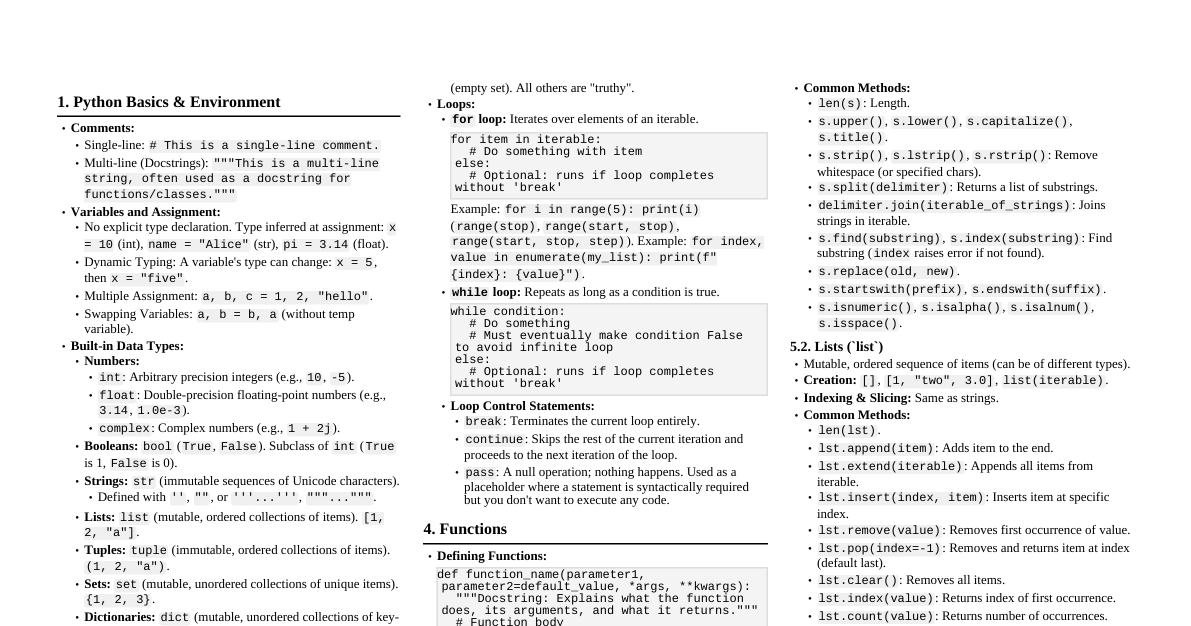
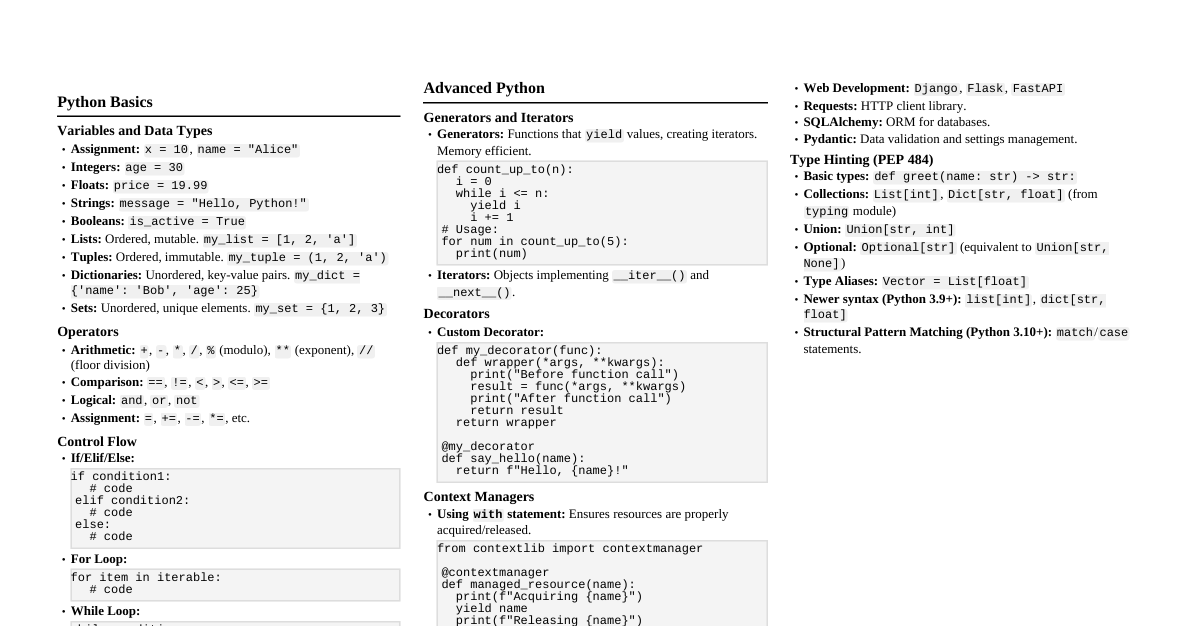
1. Basic Syntax & Types Comments: Single line: # This is a comment Multi-line: """ This is a multi-line comment or a docstring. """ Variables: No explicit type declaration. x = 10 (int) name = "Alice" (str) pi = 3.14 (float) is_student = True (bool) Basic Data Types: Integers: 1, 0, -5 Floats: 3.14, 2.0, -0.5 Booleans: True, False Strings: "hello", 'world' None: None (represents absence of value) Output: print("Hello, world!") Input: name = input("Enter your name: ") (returns string) 2. Operators Arithmetic: Addition: + Subtraction: - Multiplication: * Division: / (float division) Floor Division: // (integer division) Modulo: % (remainder) Exponentiation: ** Comparison: Equal: == Not Equal: != Greater Than: > Less Than: Greater or Equal: >= Less or Equal: Logical: AND: and OR: or NOT: not Assignment: =, +=, -=, *=, /=, %=, //=, **= Identity: is, is not (check if objects are same) Membership: in, not in (check if element is in sequence) 3. Control Flow 3.1. Conditional Statements if condition1: # do something elif condition2: # do something else else: # do a final thing 3.2. Loops For Loop: Iterating over sequences for item in [1, 2, 3]: print(item) for i in range(5): # 0, 1, 2, 3, 4 print(i) While Loop: count = 0 while count Loop Control: break : Exits the loop continue : Skips current iteration, goes to next 4. Data Structures 4.1. Lists (Mutable, Ordered) Create: my_list = [1, "a", 3.14] Access: my_list[0] (first element), my_list[-1] (last) Slice: my_list[1:3] (elements at index 1 and 2) Methods: .append(item) .insert(index, item) .remove(item) (first occurrence) .pop(index) (removes and returns item at index, or last) .sort() len(my_list) 4.2. Tuples (Immutable, Ordered) Create: my_tuple = (1, "b", 2.7) Access: my_tuple[0] Cannot modify elements Often used for fixed collections or function return values 4.3. Dictionaries (Mutable, Unordered, Key-Value Pairs) Create: my_dict = {"name": "Bob", "age": 30} Access: my_dict["name"] Add/Modify: my_dict["city"] = "NY" Remove: del my_dict["age"] Methods: .keys() .values() .items() len(my_dict) 4.4. Sets (Mutable, Unordered, Unique Elements) Create: my_set = {1, 2, 3, 3} (result: {1, 2, 3} ) Add: my_set.add(4) Remove: my_set.remove(1) Operations: union(), intersection(), difference() 5. Functions Definition: def greet(name): return "Hello, " + name + "!" message = greet("Alice") print(message) Parameters: Default values: def func(a, b=1): ... Arbitrary arguments: def func(*args): ... (tuple) Arbitrary keyword arguments: def func(**kwargs): ... (dict) Lambda Functions (Anonymous): add = lambda x, y: x + y result = add(2, 3) ($5$) 6. Classes & Objects (OOP) Definition: class Dog: def __init__(self, name, breed): self.name = name self.breed = breed def bark(self): return f"{self.name} says Woof!" my_dog = Dog("Buddy", "Golden") print(my_dog.bark()) Inheritance: class Poodle(Dog): def __init__(self, name): super().__init__(name, "Poodle") def bark(self): return f"{self.name} says Yip!" my_poodle = Poodle("Lucy") print(my_poodle.bark()) 7. Modules & Packages Importing: import math import math as m from math import pi, sqrt from math import * (not recommended) Common Built-in Modules: math : Math functions ( sqrt(), sin(), cos(), pi ) random : Random numbers ( random(), randint() ) os : Operating system interaction ( listdir(), remove() ) sys : System-specific parameters and functions ( argv, exit() ) datetime : Dates and times 8. Error Handling try: result = 10 / 0 except ZeroDivisionError: print("Cannot divide by zero!") except TypeError as e: print(f"Type error: {e}") else: print("No error occurred.") finally: print("This always executes.") 9. File I/O Writing to a file: with open("my_file.txt", "w") as f: f.write("Hello from Python!\n") f.write("New line.") Reading from a file: with open("my_file.txt", "r") as f: content = f.read() # Reads all # line = f.readline() # Reads one line # lines = f.readlines() # Reads all into a list print(content) Modes: "r" : Read (default) "w" : Write (creates new or overwrites existing) "a" : Append (adds to end) "x" : Create (fails if file exists) "b" : Binary mode (e.g., "wb", "rb" ) "+" : Update mode (e.g., "r+", "w+" ) 10. String Formatting f-strings (Python 3.6+): name = "Eve"; age = 25 print(f"Name: {name}, Age: {age}") print(f"Pi: {math.pi:.2f}") (2 decimal places) .format() method: "Name: {}, Age: {}".format(name, age) "Name: {0}, Age: {1}".format(name, age) "Name: {n}, Age: {a}".format(n=name, a=age) Old %-formatting: "Name: %s, Age: %d" % (name, age) 11. List Comprehensions Basic: squares = [x**2 for x in range(5)] ($[0, 1, 4, 9, 16]$) With condition: evens = [x for x in range(10) if x % 2 == 0] ($[0, 2, 4, 6, 8]$) Dictionary comprehension: sq_dict = {x: x**2 for x in range(3)} ($\{0: 0, 1: 1, 2: 4\}$) 12. Generators Yield keyword: def count_up_to(max_val): count = 1 while count Generators produce items one at a time, saving memory for large sequences.