Java Programming Cheatsheet
Cheatsheet Content
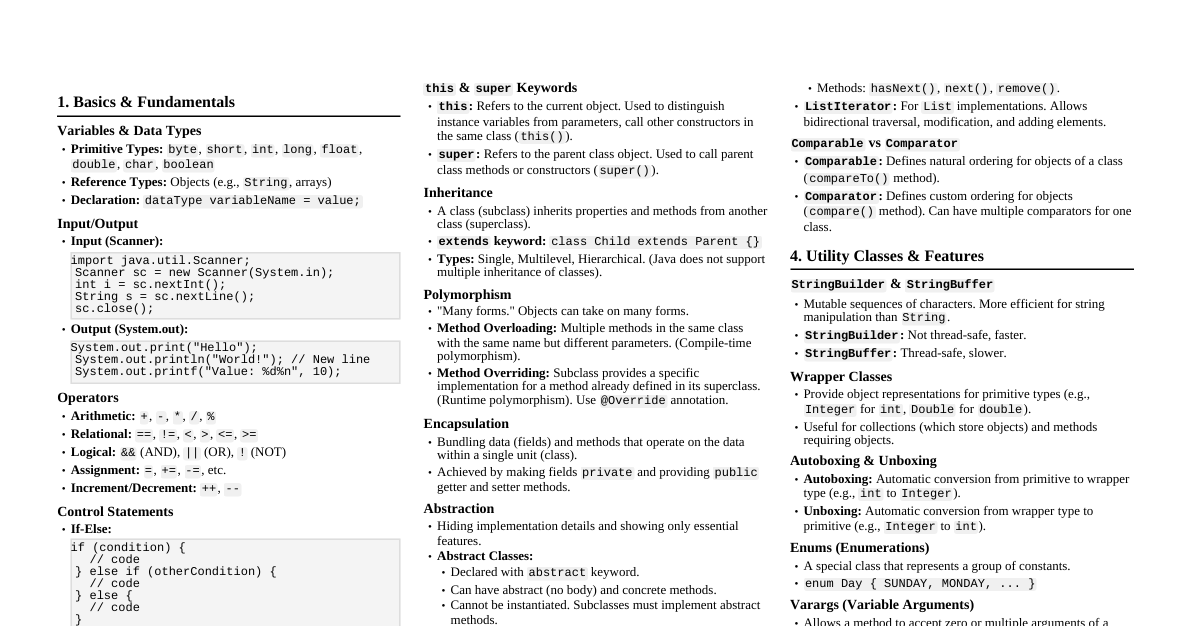
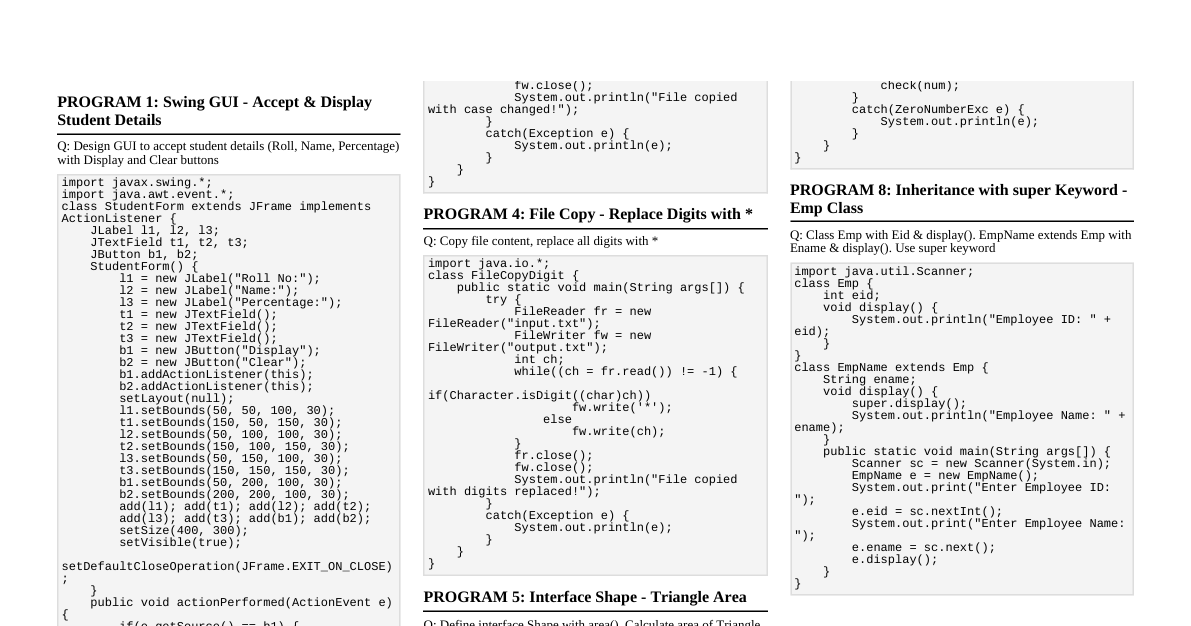
UNIT I: Paradigms & Basic Constructs Object-Oriented Programming (OOP) Concepts Objects: Instances of classes, real-world entities. Classes: Blueprints for creating objects, define state (fields) and behavior (methods). Methods: Functions associated with an object, define its behavior. Messages: Invoking methods on objects. Abstraction: Hiding implementation details, showing only essential features. Encapsulation: Bundling data (fields) and methods that operate on the data within a single unit (class). Inheritance: Mechanism where one class acquires the properties and behaviors of another class. Polymorphism: Ability of an object to take on many forms (e.g., method overriding, overloading). Abstract Classes: Classes that cannot be instantiated directly, may contain abstract methods. Objects and Classes in Java Defining Classes: class MyClass { // fields // methods } Methods: public returnType myMethod(parameters) { // body } Access Specifiers: public : Accessible everywhere. protected : Accessible within package and by subclasses. default (no keyword): Accessible within package. private : Accessible only within the class. Static Members: Belong to the class, not an instance. static field; static method(); Constructors: Special methods to initialize objects. Same name as class, no return type. public MyClass(parameters) { // initialization } finalize() method: Called by garbage collector before object is destroyed (deprecated in modern Java). UNIT II: Exception Handling & Streams Data Structures & Strings Arrays: Fixed-size collections of elements of the same type. int[] arr = new int[5]; String[] names = {"Alice", "Bob"}; Strings: Immutable sequences of characters. String s = "hello"; s.length(); s.equals("world"); s.substring(1,3); Packages & Documentation Packages: Organize classes into namespaces. package com.example.myproject; import java.util.ArrayList; Java-Doc Comments: /** ... */ for API documentation. Inheritance & Polymorphism Inheritance: class Child extends Parent { ... } Class Hierarchy: Tree-like structure of classes. Polymorphism: Method Overriding: Subclass provides specific implementation for a method defined in its superclass. Dynamic Binding: Method call resolved at runtime based on the actual object type. final keyword: final class: Cannot be subclassed. final method: Cannot be overridden. final variable: Value cannot be changed after initialization. Abstract Classes: Use abstract keyword. Can have abstract and concrete methods. Exception Handling Exception Hierarchy: Throwable $\rightarrow$ Exception (checked) / Error (unchecked). Throwing Exceptions: throw new MyException("message"); Catching Exceptions: try { // code that might throw an exception } catch (IOException e) { // handle IOException } catch (Exception e) { // handle other exceptions } finally { // always executed } Advanced Language Features The Object class: Root of all classes in Java. Methods: equals() , hashCode() , toString() . Reflection: Ability to inspect and modify class members at runtime. Interfaces: Contracts for classes, define methods without implementation. interface MyInterface { void myMethod(); } class MyClass implements MyInterface { public void myMethod() { ... } } Object Cloning: Creating a copy of an object ( Cloneable interface, clone() method). Inner Classes: Classes defined within another class. Nested static classes Inner classes (non-static) Local classes Anonymous classes Proxies: Provide a surrogate or placeholder for another object. I/O Streams Concept: Sequence of data. Input Stream: Reads data. Output Stream: Writes data. Types: Byte Streams (e.g., FileInputStream , FileOutputStream ) for raw bytes. Character Streams (e.g., FileReader , FileWriter ) for text data. Buffered Streams (e.g., BufferedReader , BufferedWriter ) for efficiency. UNIT III: Generics & Multi-Threading Generics Motivation: Type-safety, code reusability, compile-time error checking. Generic Classes: class Box<T> { private T t; public void set(T t) { this.t = t; } public T get() { return t; } } Generic Methods: public <T> T inspect(T t) { ... } Generic Code and Virtual Machine: Type erasure at compile time. Inheritance and Generics: List<String> is not a subclass of List<Object> . Use wildcards ( ? extends T , ? super T ). Reflection and Generics: Can inspect generic type information at runtime. Multi-threaded Programming Creating Threads: Extend Thread class. Implement Runnable interface. Thread t = new Thread(() -> { // task to run }); t.start(); Interrupting Threads: thread.interrupt(); check with Thread.interrupted() or isInterrupted() . Thread States: New, Runnable, Running, Blocked, Waiting, Timed Waiting, Terminated. Thread Properties: Name, Priority, Daemon status. Thread Synchronization: Preventing race conditions and ensuring data consistency. synchronized keyword: On methods or blocks. synchronized (this) { // critical section } Locks: ReentrantLock . Executors: Framework for managing and executing tasks in a thread pool ( ExecutorService ). Synchronizers: Semaphore : Controls access to a shared resource. CountDownLatch : Allows one or more threads to wait until a set of operations in other threads completes. CyclicBarrier : Allows multiple threads to wait for each other at a common barrier point. UNIT IV: Java Networking & JDBC Socket Programming in Java InetAddress : Represents an IP address. URL class: Represents a Uniform Resource Locator. TCP (Transmission Control Protocol): Connection-oriented. ServerSocket : For server applications, listens for incoming connections. ServerSocket ss = new ServerSocket(port); Socket clientSocket = ss.accept(); Socket : For client applications, establishes a connection. Socket s = new Socket("localhost", port); UDP (User Datagram Protocol): Connectionless. DatagramSocket : Sends and receives datagram packets. DatagramPacket : Contains data, length, IP address, and port number. Multi-threaded Servers: Create a new thread for each client connection to handle concurrently. Remote Method Invocation (RMI) Introduction to RMI: Allows an object running in one JVM to invoke methods on an object running in another JVM. Creating RMI Servers and Clients: Define remote interface (extends Remote ). Implement remote interface (extends UnicastRemoteObject ). Start RMI registry. Bind/rebind object in registry. Client looks up object in registry. RMI Registry: Naming service for RMI objects. RMI and Object Serialization: Objects passed between client and server must be serializable. JDBC (Java Database Connectivity) Overview of JDBC: API for connecting Java applications to databases. JDBC Drivers: Software components that enable Java applications to interact with a database. Connecting to Databases: Connection conn = DriverManager.getConnection(url, user, pass); Executing SQL Queries: Statement : For simple SQL queries. PreparedStatement : For precompiled SQL queries with parameters (prevents SQL injection). ResultSet : Holds data retrieved from a database. Statement stmt = conn.createStatement(); ResultSet rs = stmt.executeQuery("SELECT * FROM users"); while (rs.next()) { System.out.println(rs.getString("name")); } UNIT V: GUI Programming Introduction to Swing Model-View-Controller (MVC) Design Pattern: Separates data (model), presentation (view), and user interaction (controller). Layout Management: Determines how components are arranged in a container. BorderLayout : North, South, East, West, Center. FlowLayout : Components flow from left to right, then top to bottom. GridLayout : Arranges components in a grid. GridBagLayout : Flexible layout using constraints. Swing Components ( javax.swing.* ): Top-level containers: JFrame , JDialog , JApplet . Intermediate containers: JPanel , JScrollPane , JSplitPane . Atomic components (controls): JButton , JLabel , JTextField , JTextArea , JCheckBox , JRadioButton , JComboBox , JList , JTable . JFrame frame = new JFrame("My Swing App"); JButton button = new JButton("Click Me"); frame.add(button); frame.pack(); frame.setVisible(true); Introduction to JavaFX JavaFX: Next-generation GUI toolkit for Java. JavaFX Components (Controls): Stage : Top-level container (window). Scene : Content area of a stage. Layout Panes: BorderPane , HBox , VBox , GridPane , StackPane . Controls: Button , Label , TextField , TextArea , CheckBox , RadioButton , ComboBox , ListView , TableView . public class MyApp extends Application { public void start(Stage primaryStage) { Button btn = new Button("Say Hello"); StackPane root = new StackPane(); root.getChildren().add(btn); Scene scene = new Scene(root, 300, 250); primaryStage.setScene(scene); primaryStage.setTitle("My JavaFX App"); primaryStage.show(); } }