Python Programming Essentials
Cheatsheet Content
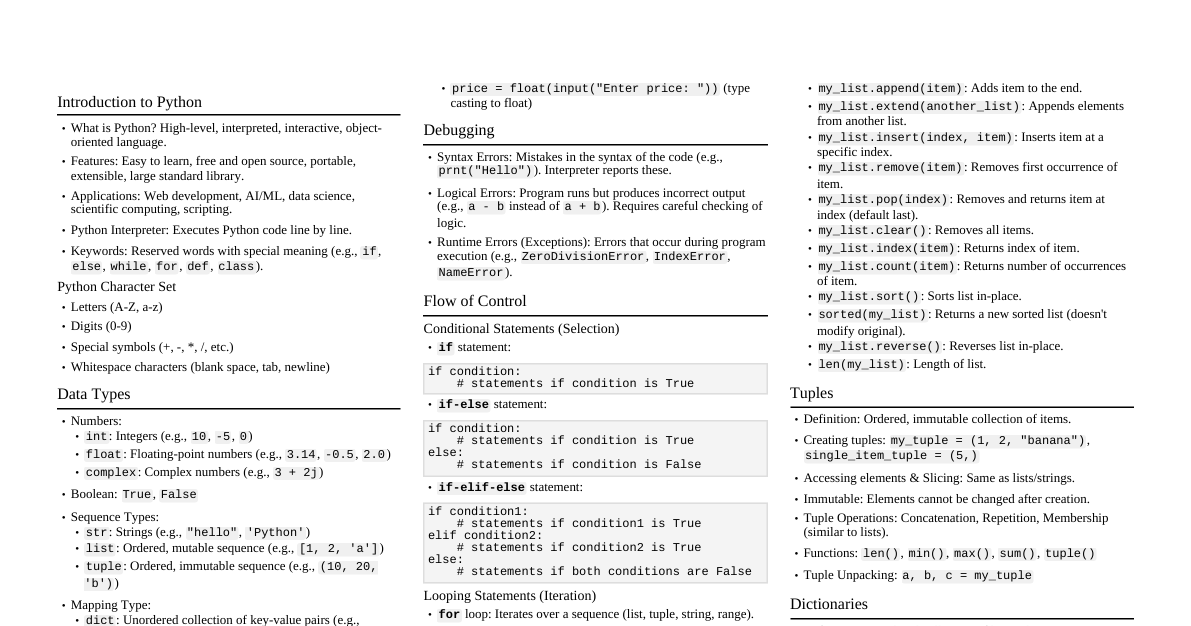
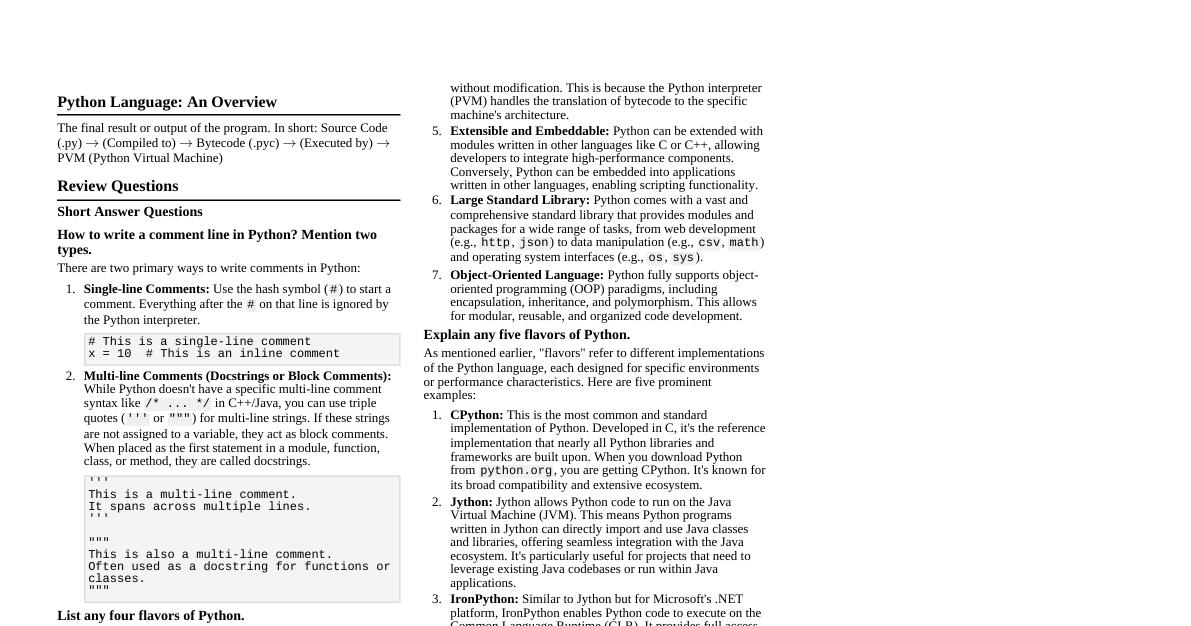
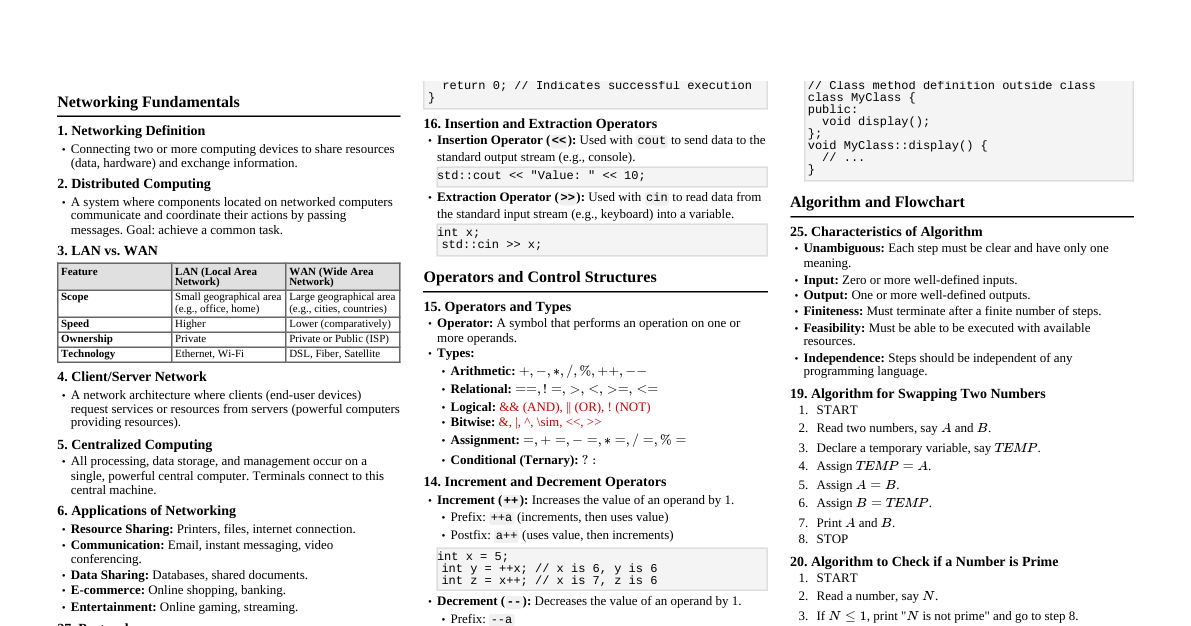
Introduction to Python Python is an open-source, interpreted, object-oriented, high-level programming language with dynamic semantics. It's widely used in web programming, data science, AI, and scientific applications. Key Features of Python Easy to Code: High-level, simple syntax, quick to learn the basics. Easy to Read: Uses indentation for code blocks, no semicolons or brackets, resembling simple English. Free and Open-Source: Developed under an OSI-approved license, free for commercial use, modification, and redistribution. Robust Standard Library: Extensive built-in libraries for various functionalities (image manipulation, databases, unit-testing). Interpreted: Executes code line by line at runtime, no compilation needed. Portable: Code runs on different machines (Mac, Windows, Linux) without modification. Object-Oriented & Procedure-Oriented: Supports both programming paradigms. Extensible: Can be extended with code written in other languages like C++. Expressive: Achieves complex tasks with fewer lines of code (e.g., print("Hello World") ). Support for GUI: Provides toolkits like Tkinter, wxPython, JPython for GUI development. Dynamically Typed: Variable types are decided at runtime; no explicit declaration needed (e.g., x = 15 ). Python Applications Web Applications: Frameworks like Django, Flask, Pyramid. Desktop GUI Applications: Tkinter, wxWidgets, Kivy, PyQt. Console-based Applications: Command-line tools, REPL (Read-Eval-Print Loop). Software Development: Support language for control, management, testing. Scientific and Numeric: Libraries like NumPy, Pandas, SciPy, Scikit-learn for AI/ML and complex calculations. Business Applications: Scalable and readable for e-commerce, ERP (e.g., Tryton platform). Audio or Video-based Applications: TimPlayer, cplay. 3D CAD Applications: Fandango, CAMVOX, HeeksCNC, AnyCAD, RCAM. Enterprise Applications: OpenERP, Tryton, Picalo. Image Processing: OpenCV, Pillow, SimpleITK. Comparison between C and Python Metrics C Python Introduction General-purpose, procedural language. Interpreted, high-level, general-purpose language. Speed Compiled programs execute faster. Interpreted programs execute slower. Usage Syntax is harder. Easier to write code (fewer lines). Declaration of variables Type must be declared. No need to declare type; variables are untyped. Error Debugging Difficult; compiler dependent (shows all errors after compilation). Simple; interprets one instruction at a time (stops at first error). Function renaming mechanism Does not support renaming. Supports renaming. Complexity Syntax is harder. Syntax is easy to learn, write, and read. Memory-management Programmer handles memory management. Automatic garbage collector. Applications Generally for hardware-related applications. General-Purpose programming language. Built-in functions Limited number of built-in functions. Large library of built-in functions. Implementing Data Structures Requires explicit implementation. Ease of implementation with built-in insert, append. Python Comments Lines ignored by the interpreter, enhancing code readability and understanding. Types of Comments Single-Line Comments: Start with # and last till the end of the line. # This is a single-line comment print("Hello World") # This is also a comment Multiline Comments: String literals not assigned to a variable can act as comments. Often achieved with triple quotes. """ This is a multiline comment. It can span multiple lines. """ print("Multiline comments example") Python Variables Variables are names referring to memory locations, acting as identifiers to hold values. Python is an infer language; no explicit type declaration is needed. Variable names consist of letters, digits, and underscores, but must start with a letter or an underscore. Recommended to use lowercase letters (e.g., my_variable ). Case-sensitive ( Rahul and rahul are different). Identifier Naming Rules First character: alphabet (a-z, A-Z) or underscore (_). Subsequent characters: alphabet, digit (0-9), or underscore. No white-space or special characters (!, @, #, %, ^, &, *). Cannot be a keyword. Examples: Valid: a123 , _n , n_9 Invalid: 1a , n%4 , n 9 Declaring Variables and Assigning Values Variables are created when a value is assigned using the = operator. x = 50 # Python automatically declares x as an integer Multiple Assignments Assigning values to multiple variables in a single statement. Single value to multiple variables: x = y = z = 50 print(x) # Output: 50 print(y) # Output: 50 print(z) # Output: 50 Multiple values to multiple variables: a, b, c = 5, 10, 15 print(a) # Output: 5 print(b) # Output: 10 print(c) # Output: 15 Python Data Types Python is dynamically typed; the interpreter binds values to their types implicitly. The type() function returns a variable's type. a = 10 b = "Hi Python" c = 10.5 print(type(a)) # Output: <class 'int'> print(type(b)) # Output: <class 'str'> print(type(c)) # Output: <class 'float'> Built-in Data Types Integral to the language, provided by the interpreter. int: Integers (e.g., $1, -5, 1000$). float: Floating-point numbers (e.g., $3.14, -0.5, 2.0$). str: Strings of characters (e.g., "Hello, World!", 'Python'). bool: Boolean values ($True, False$). list: Ordered, mutable sequences (e.g., $[1, 2, 3]$). tuple: Ordered, immutable sequences (e.g., $(1, 2, 3)$). dict: Key-value pairs (e.g., $ \{ "name": "Alice", "age": 30 \} $). set: Unordered collection of unique elements (e.g., $\{1, 2, 3\}$). User-Defined Data Types Created using classes and objects to suit specific programming needs. Classes: Define structure (attributes) and behavior (methods) for custom objects. Enums: Set of named values, representing limited choices. Custom Data Structures: Stacks, queues, linked lists, trees. Overview of Data Types Data Type Description Example Numbers Integer, float, complex values. int ($20$), float ($35.75$), complex ($1+3j$) Boolean True or False. True , False String Sequence of characters. 'Jessa' , "Hello" List Ordered, mutable collection of items. $[2, 'a', 5.7]$ Tuple Ordered, immutable collection of items. $(3, 4.5, 'b')$ Set Unordered collection of unique items. $\{2, 4, 6\}$ Dictionary Key-value pairs (mapping). $\{1:'a', 2:'b'\}$ String Handling Python strings can be defined with single, double, or triple quotes. The + operator concatenates strings. str_var = "string using double quotes" print(str_var) multiline_str = """A multiline string""" print(multiline_str) # Concatenation print("hello" + "python") # Output: hellopython Lists Similar to arrays, lists are ordered, mutable collections of items, enclosed in square brackets [] . Can contain different data types. Access elements using slicing (e.g., list[0] ). Concatenation ( + ) and repetition ( * ) operators work similarly to strings. weekdays = ['Monday', 'Tuesday', 'Wednesday', 'Thursday', 'Friday'] print(weekdays[0]) # Output: Monday print(weekdays[4]) # Output: Friday Tuples Similar to lists, but tuples are ordered, immutable collections of items, enclosed in parentheses () . Elements cannot be modified after creation. tup = ("hi", "Python", 2) print(type(tup)) # Output: <class 'tuple'> Dictionaries Unordered collections of key-value pairs, enclosed in curly braces {} . Keys must be immutable and unique; values can be any Python object. d = {1:'Jimmy', 2:'Alex', 3:'john', 4:'mike'} print(d) print("1st name is " + d[1]) # Output: 1st name is Jimmy print(d.keys()) # Output: dict_keys([1, 2, 3, 4]) print(d.values()) # Output: dict_values(['Jimmy', 'Alex', 'john', 'mike']) Booleans Represents logical values: True or False . Used for conditional statements. Sets Unordered collections of unique elements. Created using set() or curly braces {} with comma-separated elements. Python Keywords Reserved words with special meanings; cannot be used as identifiers. Permanently present in Python. Examples of Keywords: Keywords False def if raise None del import return True elif in try and else is while as except lambda with assert finally nonlocal yield break for not class from or continue global pass Literals Fixed data values used directly in code that do not change during execution. Numeric literals: Integers, floats (e.g., $42, 3.14$). String literals: Text enclosed in quotes (e.g., "Hello" , 'World' ). Boolean literals: True , False . None literal: Represents absence of a value ( None ). Constants Identifiers for fixed values that don't change. Python doesn't have built-in constants, but convention uses uppercase letters and underscores. PI = 3.14159 MAX_ATTEMPTS = 5 Naming Conventions (PEP 8) Guidelines for readable and maintainable code: Variables & Functions: lowercase with underscores ( snake_case ), e.g., my_variable , calculate_area() . Classes: CamelCase (capitalize first letter of each word), e.g., MyClass , PersonInfo . Constants: Uppercase with underscores, e.g., PI , MAX_ATTEMPTS . Arithmetic Operators Perform mathematical calculations between two operands. Operator Description Example ($a=20, b=10$) + (Addition) Adds two operands. $a + b \Rightarrow 30$ - (Subtraction) Subtracts second operand from first. $a - b \Rightarrow 10$ * (Multiplication) Multiplies two operands. $a * b \Rightarrow 200$ / (Division) Divides first operand by second, returns float. $a / b \Rightarrow 2.0$ % (Modulo) Returns the remainder of division. $a \% b \Rightarrow 0$ ** (Exponentiation) First operand raised to the power of the second. $2 ** 3 \Rightarrow 8$ // (Floor Division) Divides and returns the integer part of the quotient. $a // 3 \Rightarrow 6$ Assignment Operators Assigns the value of the right operand to the left operand. Operator Description Example ($a=10, b=20$) = Assigns value. a = b $\Rightarrow a=20$ += Adds and assigns. a += b $\Rightarrow a=a+b \Rightarrow a=30$ -= Subtracts and assigns. a -= b $\Rightarrow a=a-b \Rightarrow a=-10$ *= Multiplies and assigns. a *= b $\Rightarrow a=a*b \Rightarrow a=200$ /= Divides and assigns. a /= b $\Rightarrow a=a/b \Rightarrow a=0.5$ %= Modulo and assigns. a %= b $\Rightarrow a=a\%b \Rightarrow a=10$ **= Exponentiates and assigns. a **= 2 $\Rightarrow a=a**2 \Rightarrow a=100$ //= Floor divides and assigns. a //= 3 $\Rightarrow a=a//3 \Rightarrow a=3$ Relational Operators (Comparison Operators) Compares values and returns True or False . Operator Description == Equal to. != Not equal to. <= Less than or equal to. >= Greater than or equal to. > Greater than. < Less than. Logical Operators Used to combine conditional statements. Operator Description and Returns True if both statements are true. or Returns True if at least one statement is true. not Reverses the result; returns False if the statement is true. Bitwise Operators Perform operations on individual bits of integers. Operator Description & (Binary AND) Sets each bit to 1 if both bits are 1. | (Binary OR) Sets each bit to 1 if at least one bit is 1. ^ (Binary XOR) Sets each bit to 1 if only one of the bits is 1. ~ (Bitwise NOT) Inverts all the bits. << (Left Shift) Shifts bits to the left, filling with zeros. >> (Right Shift) Shifts bits to the right, filling with sign bit for signed numbers or zeros for unsigned. Membership Operators Tests if a value is present in a sequence (string, list, tuple, set, dictionary). Operator Description in Returns True if the value is found in the sequence. not in Returns True if the value is not found in the sequence. Identity Operators Compares memory locations of two objects. Operator Description is Returns True if both variables point to the same object. is not Returns True if both variables do not point to the same object. Operator Precedence and Associativity Determines the order of evaluation in expressions. Precedence (Highest to Lowest) Operator Description ** Exponentiation ~ , + , - Unary negation, unary plus * , / , % , // Multiplication, division, modulo, floor division + , - Addition, subtraction >> , << Right shift, left shift & Bitwise AND ^ Bitwise XOR | Bitwise OR == , != , < , <= , > , >= Comparisons is , is not Identity operators in , not in Membership operators not , or , and Logical operators Associativity Determines evaluation order for operators with the same precedence. Left-Associative: Most binary operators (e.g., + , - , * ) are evaluated from left to right. result = 2 + 3 + 4 # Evaluates as (2 + 3) + 4 Right-Associative: The exponentiation operator ( ** ) is right-associative, evaluated from right to left. result = 2 ** 3 ** 2 # Evaluates as 2 ** (3 ** 2)