Python Basics Cheatsheet
Cheatsheet Content
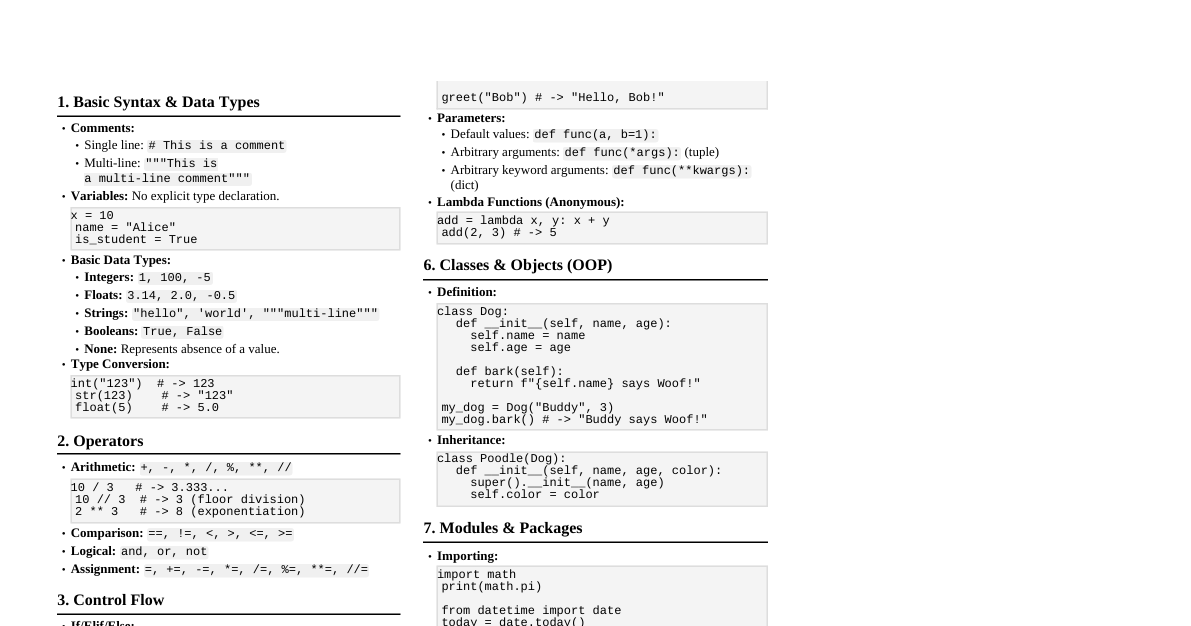
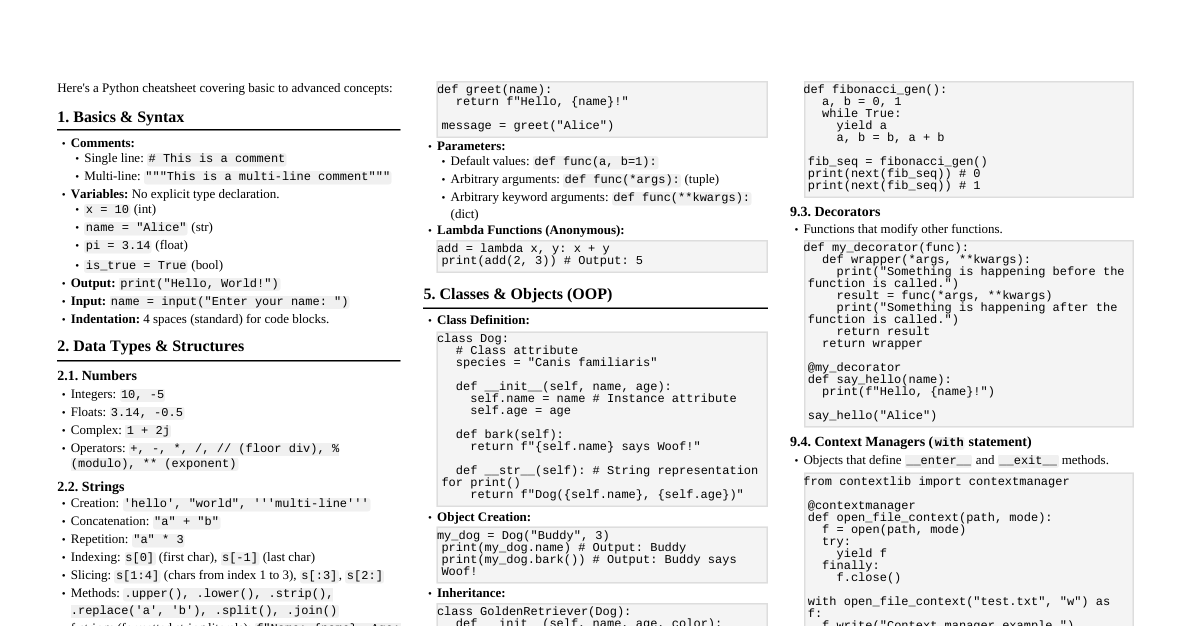
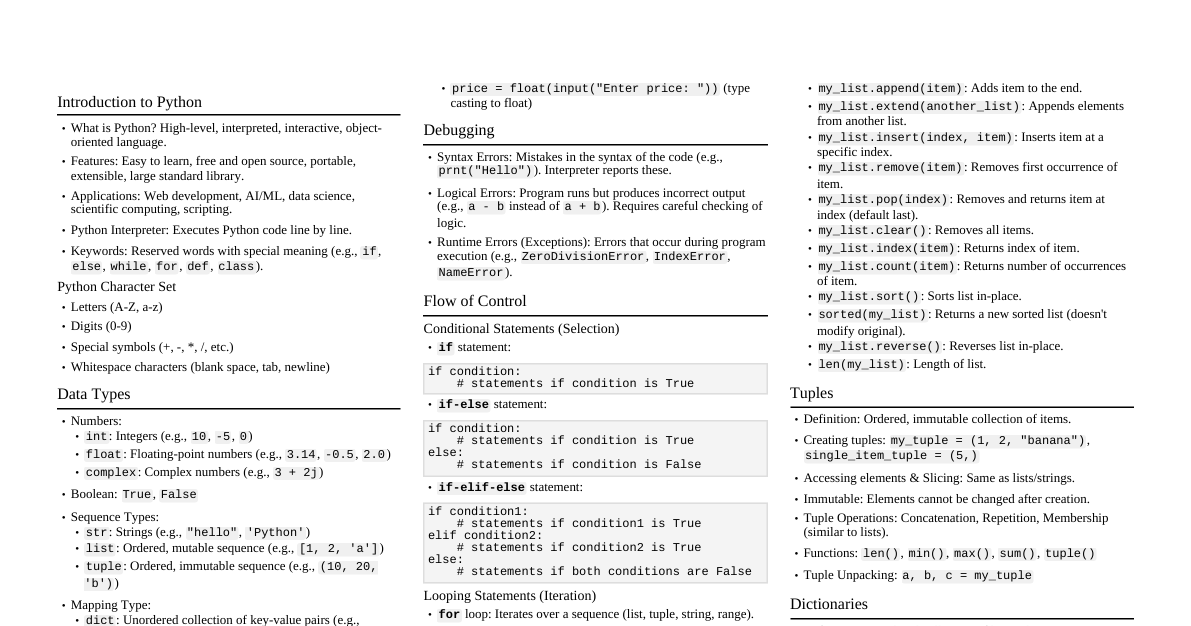
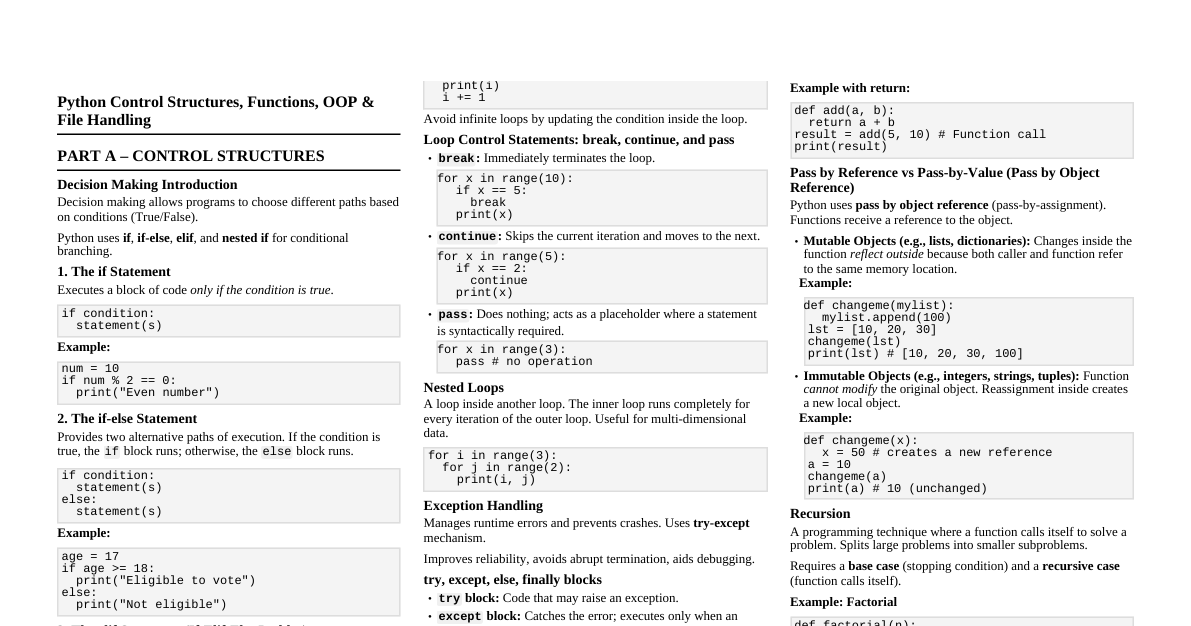
1. Variables and Data Types Assignment: x = 10 , name = "Alice" Integers: age = 30 Floats: price = 19.99 Strings: message = "Hello, Python!" Concatenation: "Hello" + " " + "World" Indexing: message[0] (first char), message[-1] (last char) Slicing: message[0:5] (first 5 chars) Length: len(message) Booleans: is_active = True , is_valid = False None Type: result = None (represents absence of value) 2. Operators 2.1 Arithmetic Operators Operator Description Example + Addition 5 + 2 = 7 - Subtraction 5 - 2 = 3 * Multiplication 5 * 2 = 10 / Division (float) 5 / 2 = 2.5 // Floor Division (int) 5 // 2 = 2 % Modulo (remainder) 5 % 2 = 1 ** Exponentiation 5 ** 2 = 25 2.2 Comparison Operators == (Equal to) != (Not equal to) < (Less than) > (Greater than) <= (Less than or equal to) >= (Greater than or equal to) 2.3 Logical Operators and : Logical AND or : Logical OR not : Logical NOT 3. Control Flow 3.1 If-Elif-Else x = 10 if x > 10: print("x is greater than 10") elif x == 10: print("x is 10") else: print("x is less than 10") 3.2 For Loop Iterating over a list: fruits = ["apple", "banana", "cherry"] for fruit in fruits: print(fruit) Using range() : for i in range(5): # 0, 1, 2, 3, 4 print(i) for i in range(2, 5): # 2, 3, 4 print(i) for i in range(0, 10, 2): # 0, 2, 4, 6, 8 print(i) 3.3 While Loop count = 0 while count 3.4 Break and Continue break : Exits the loop immediately. continue : Skips the rest of the current iteration and moves to the next. 4. Data Structures 4.1 Lists Ordered, mutable, allows duplicates. my_list = [1, 2, "hello", 3.14] Access: my_list[0] , my_list[-1] Slice: my_list[1:3] Methods: append(item) : Add item to end insert(index, item) : Insert at index remove(item) : Remove first occurrence of item pop(index) : Remove and return item at index (default last) len(my_list) : Length sort() : Sorts in-place 4.2 Tuples Ordered, immutable, allows duplicates. my_tuple = (1, 2, "hello") Access & Slicing: Same as lists. Cannot modify elements once created. 4.3 Dictionaries Unordered, mutable, key-value pairs, keys must be unique and immutable. my_dict = {"name": "Alice", "age": 30} Access: my_dict["name"] Add/Modify: my_dict["city"] = "NY" Delete: del my_dict["age"] Methods: keys() : Returns a view of keys values() : Returns a view of values items() : Returns a view of key-value pairs get(key, default) : Get value safely 4.4 Sets Unordered, mutable, unique elements only. my_set = {1, 2, 3, 2} # {1, 2, 3} Add: my_set.add(4) Remove: my_set.remove(1) Operations: Union: set1 | set2 Intersection: set1 & set2 Difference: set1 - set2 5. Functions Definition: def greet(name): return "Hello, " + name + "!" print(greet("Bob")) # Output: Hello, Bob! Parameters: Default values: def func(param1, param2=0): Arbitrary arguments: Positional: def func(*args): Keyword: def func(**kwargs): Lambda Functions (anonymous functions): add = lambda a, b: a + b print(add(2, 3)) # Output: 5 6. Input/Output Input: name = input("Enter your name: ") Output: print("Hello,", name) Formatted strings (f-strings): print(f"Name: {name}, Age: {age}") 7. Error Handling try: result = 10 / 0 except ZeroDivisionError: print("Cannot divide by zero!") except TypeError: print("Type error occurred!") else: print("No error occurred.") finally: print("Execution finished.") 8. File I/O Open and read: with open("my_file.txt", "r") as f: content = f.read() # or f.readline(), f.readlines() print(content) Open and write: with open("new_file.txt", "w") as f: # "a" for append f.write("This is a new line.\n") 9. Modules and Packages Importing: import math print(math.sqrt(16)) # Output: 4.0 Importing specific items: from math import pi, sqrt print(pi) print(sqrt(9)) Aliasing: import numpy as np 10. Classes and Objects (OOP Basics) Class Definition: class Dog: def __init__(self, name, breed): self.name = name self.breed = breed def bark(self): return f"{self.name} says Woof!" my_dog = Dog("Buddy", "Golden Retriever") print(my_dog.name) # Output: Buddy print(my_dog.bark()) # Output: Buddy says Woof! self : Refers to the instance of the class. __init__ : Constructor method.